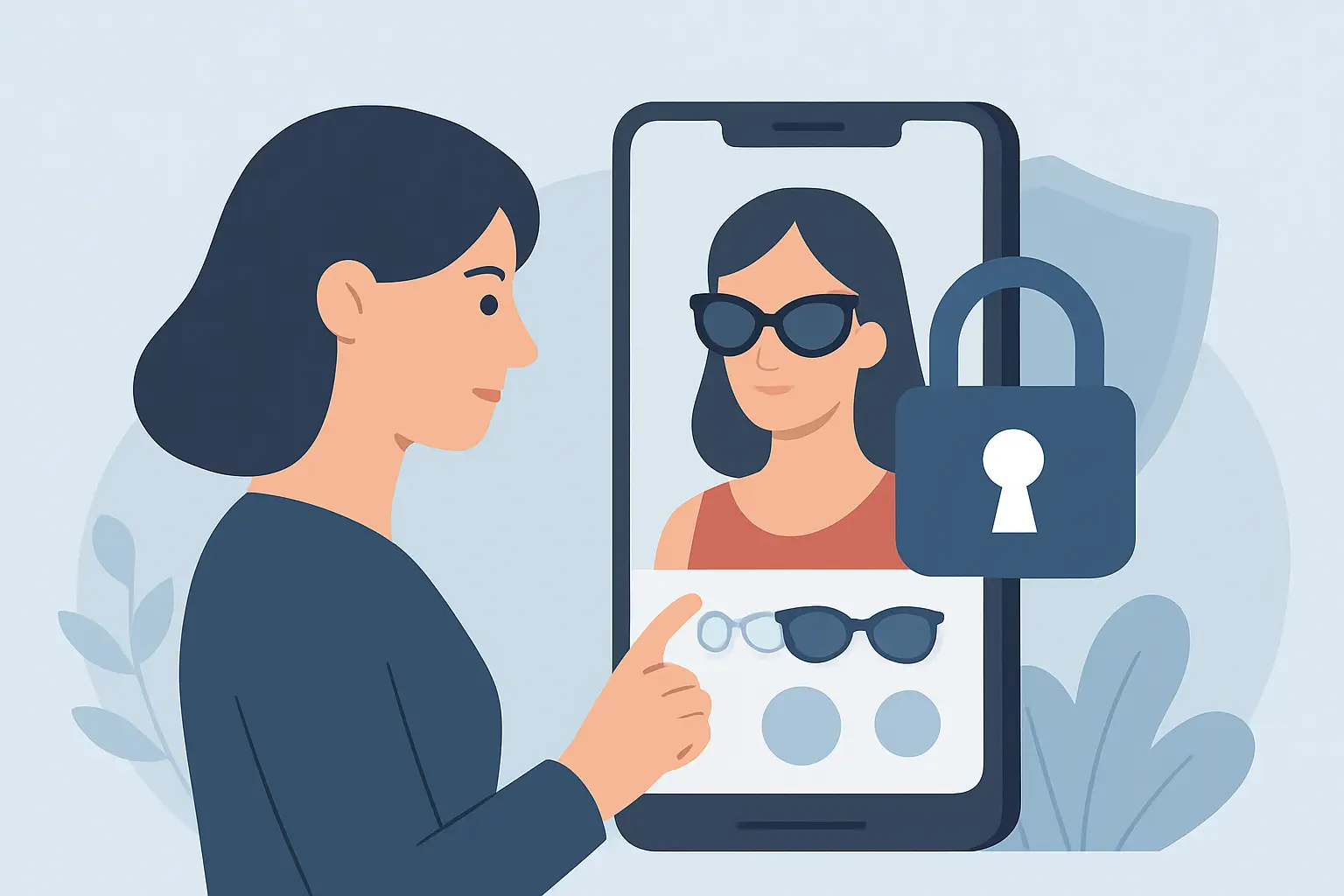
You upload a full-body photo to see how a jacket actually sits on your shoulders. Ten seconds later, you get a realistic try-on. The only question that matters right after the wow moment is simple: where did that photo go?
If you’re asking whether virtual try on privacy safe is a real thing or marketing fluff, you’re not being paranoid. Virtual try-on is powered by personal images, body measurements inferred from pixels, and cloud processing that can feel invisible. Some apps handle that responsibility well. Others get vague, bury the details, or keep more data than you’d expect.
This deep dive breaks down what “privacy safe” can realistically mean for virtual try-on, what to look for before you upload anything, and the trade-offs that come with speed and accuracy.
What “privacy safe” should mean for virtual try-on
A privacy-safe virtual try-on experience is not just “we don’t sell your data.” That’s the bare minimum, and it often dodges the bigger questions. A genuinely safe approach is about the full lifecycle of your photo and derived data.
First, your photo should be protected in transit. That means encrypted connections from your phone to the server. Without encryption, uploads are far easier to intercept on public Wi-Fi, and a try-on session becomes a risk you didn’t sign up for.
Second, your photo should be protected at rest, if it’s stored at all. Some services store uploads by default because it makes the product easier to build. But “easier to build” isn’t your goal. If storage is necessary, it should be encrypted and time-limited.
Third, there should be a clear retention policy. “We may retain data to improve our services” is not a policy. A privacy-safe app tells you what is deleted, when it is deleted, and what is kept for account features like saved outfits.
Finally, you should have control. If an app offers a wardrobe or saved looks, that’s useful, but it should be obvious what you’re saving. A rendered outfit image is not the same as your original photo. A safe product design separates them and gives you simple ways to delete what you don’t want kept.
Why virtual try-on privacy risk is different from regular photo sharing
When you post a selfie on social media, you’re usually making a deliberate trade: visibility for convenience or fun. Virtual try-on is different because the photo is instrumental. You’re not sharing to be seen. You’re sharing to get an answer.
That distinction matters because the photo often contains more than your face. Full-body images can reveal your home environment, location clues, tattoos, religious items, school logos, workplace badges, or a child in the background. Even if an app never “uses” those details, storing them increases exposure if anything goes wrong.
There’s also the derived data problem. Many systems infer body landmarks, proportions, or pose to create a realistic overlay. Even if the raw photo is deleted, an app could still keep derived representations for analytics, model training, or performance tuning. Sometimes that’s done responsibly and anonymously. Sometimes it’s not clearly explained.
The safest stance is straightforward: only collect what’s needed, process it quickly, and delete it automatically unless you explicitly choose to save something.
The 3 moments where privacy can break
Most privacy failures in virtual try-on don’t happen because a company wakes up and decides to be shady. They happen because of weak defaults and unclear data handling in three places.
1) Upload and cloud processing
Virtual try-on often relies on cloud compute to deliver fast, high-quality results across different phones. Cloud processing is not automatically unsafe, but it does create a data transfer and a server-side copy during processing.
If an app is vague about whether it processes locally, in the cloud, or both, assume your image leaves your device. That’s not a deal-breaker. It just means you should demand strong encryption and deletion practices.
2) Storage for “convenience”
Some apps keep your original uploads so you can re-try outfits without uploading again. Convenient, yes. Privacy-safe, not always.
A better approach is to store only what you actually need for the user experience. If you want a “My Wardrobe” feature, you may only need the output looks you chose to keep, not your original full-body image. If the app keeps originals, it should be explicit and optional.
3) Model training and vendor sharing
Here’s where “it depends” becomes real.
Some companies train their models on user uploads to improve fit, drape, and realism. That can improve quality over time, but it must be opt-in and explained in plain language. The same goes for third-party processors. If an app uses external vendors for AI processing, storage, analytics, or crash reporting, your data can travel farther than you think.
The privacy-safe version of this is simple: minimal sharing, clear disclosures, and a product that still works well without forcing you to donate your personal images.
How to tell if a virtual try-on app is privacy safe
You shouldn’t need a law degree to feel confident. Before you upload a full-body photo, look for a few concrete signals.
Look for specific, testable claims
“Secure” is a vibe. “Encrypted” is a mechanism. “Automatically deleted after processing” is a policy you can understand.
Strong privacy language usually includes three details: encryption in transit, a defined retention window, and a clear description of what gets saved when you hit “save.” If an app can’t say those things plainly, it’s either underbuilt or intentionally fuzzy.
Check what you can do without an account
If an app forces an account before you can even run a try-on, that can be a sign the business relies on identity-linked data. Sometimes that’s legitimate. Sometimes it’s just data collection.
A privacy-forward product often lets you test quickly, then choose whether you want longer-term features like saved outfits and recommendations.
Separate “saved looks” from “saved photos”
This one matters more than most people realize.
Saving an outfit result can be great. It’s basically a shopping decision record. Saving the original full-body photo is a bigger privacy footprint. The best experiences make that difference obvious and let you delete either one without friction.
Read the permission requests like you mean it
If an app asks for access to your contacts, microphone, or precise location for a virtual fitting room, that’s a red flag unless the feature truly requires it.
Camera and photo library access are normal. Everything else should come with a clear, user-facing reason.
Speed vs privacy: the real trade-off
People love virtual try-on because it’s fast. The moment try-on becomes slow, you go back to guesswork or you abandon the cart.
Speed often pushes products toward cloud processing and cached assets. Those choices can be privacy-safe, but only if the product is built with guardrails: encrypted upload, short-lived processing copies, and automatic deletion. The goal is to get you high accuracy without turning your photo into a long-term asset.
There’s also a quality trade-off. Higher realism may require more detailed body and pose estimation. That can increase sensitivity of derived data. A privacy-safe approach doesn’t avoid accuracy. It limits retention and reduces exposure.
A practical checklist before you upload your photo
You don’t need to overthink this, but you should be intentional.
Choose a photo with a plain background when possible. It improves try-on quality and reduces incidental personal details in the image.
Avoid including other people in the frame, especially kids. If the app does background removal, great. Don’t rely on it.
Use your cellular connection if you’re on public Wi-Fi and you’re unsure how the app handles encryption. Encryption should still protect you, but you’re reducing risk.
And if you’re testing an app for the first time, start with a less identifying photo. Once you trust the deletion and controls, you can switch to a better shot for fit accuracy.
What privacy-safe virtual try-on looks like when it’s done right
A privacy-first virtual fitting room feels almost boring in the best way. You upload, you get results fast, and you’re never left wondering what’s happening behind the scenes.
That means encrypted connections by default. It means the app tells you that uploads are automatically deleted after processing, instead of keeping them “just in case.” It means you can save outfits you love without feeling like you’re stockpiling sensitive images. And it means privacy isn’t treated like a settings page you’ll never find - it’s part of the core product promise.
If you want a concrete example of this product philosophy, Prova is built around fast cloud try-on (about 10 seconds) with encrypted connections and automatic photo deletion after processing, plus a My Wardrobe feature to save looks you actually want to revisit.
The bottom line question to ask any app
If you only remember one test, make it this: if you deleted the app tomorrow, could your images still be sitting on someone else’s server?
A privacy-safe virtual try-on experience gives you a confident “no” for raw uploads, and a clear “only what you chose to save” for wardrobe features. That’s the line between a fun shopping tool and a long-term privacy gamble.
Your style experiments should be lightweight. Try the outfit, keep the look if you love it, and let the rest disappear.