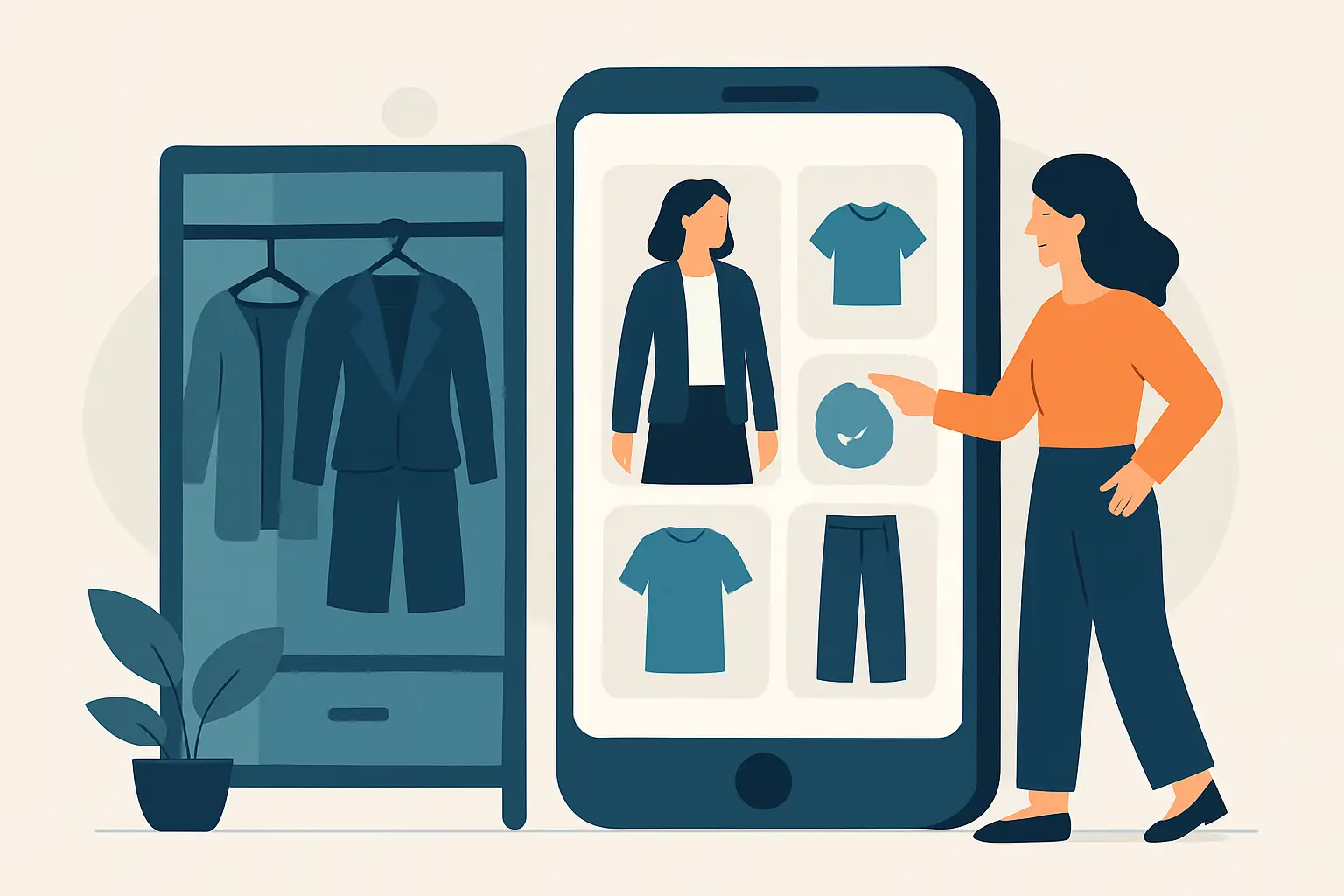
You know the moment: you finally land on an outfit that looks right, fits right, and makes you feel like you have your life together - and two weeks later, you cannot remember what you wore, which jeans those were, or why it worked.
That is the real reason people try to save outfits in a wardrobe app. Not because organizing is fun, but because repeating your best looks (and shopping more accurately) saves time, money, and a lot of “why did I buy this?” regret.
Why saving outfits matters more than saving items
Saving single pieces is a start. Saving full outfits is where you get results.
A top you love can still be a dead-end if you only wear it with one pair of pants. An outfit, on the other hand, is a proven formula: it captures the proportions, the color balance, the shoe choice, and the little styling decisions that make it work. When you save outfits, you are building a library of combinations you already trust.
It also changes how you shop. Instead of buying another “maybe” sweater, you start buying to complete a look you have already tested. That is how you cut returns without thinking about it.
The best way to save outfits in a wardrobe app
Most people save outfits like they save screenshots: fast, messy, and never revisited. The fix is not “be more organized.” The fix is saving outfits with the right information attached so you can actually reuse them.
Start with a clear outfit image (not a closet shot)
If you want to re-create a look, the photo needs to show the full outfit in context - ideally full-body, good lighting, straight-on. Mirror selfies work. So do clean screenshots from a try-on.
A hanger photo of a blazer is not an outfit. A flat-lay can work, but it tends to hide fit and proportions, which is usually the whole problem.
Save the outfit as a repeatable recipe
A saved outfit should answer three questions instantly: what are the pieces, what are the shoes, and what is the vibe.
If your wardrobe app lets you tag items, tag them. If it does not, add a short note: “white ribbed tank + black wide-leg trousers + Sambas + gold hoops.” That one line is the difference between “cute memory” and “easy repeat.”
Name outfits like you would search them later
Most outfit libraries fail because of naming. People name looks “Saturday” or “Work fit” and then wonder why they cannot find anything.
Use names that match how you actually think:
- Occasion: “Client meeting,” “Airport outfit,” “Wedding guest”
- Weather: “Hot humid,” “40 degrees,” “Rain-friendly”
- Goal: “Looks taller,” “Comfy but put-together,” “No-iron”
You are not writing poetry. You are building a fast filter for your future self.
How to organize saved outfits so you can find them in 10 seconds
If saving outfits is step one, finding them quickly is step two. The trick is to organize by decisions you make often.
Organize by use case, then by season
People usually start with seasons because it feels obvious. In reality, you do not wake up thinking “fall outfit.” You wake up thinking “I have a meeting and it is freezing.”
Create small, practical groups first: work, weekend, date night, gym, travel, events. Then layer in season or temperature if your app supports it.
Track what you actually wore, not just what you liked
Your saved outfits should not be a mood board. They should be a highlight reel of what performs.
If an outfit is cute but annoying (shoes hurt, straps slip, fabric wrinkles instantly), either add a note like “heels hurt after 30 min” or do not save it. A wardrobe app is only helpful if it is honest.
Add 1-2 “swap options” per outfit
This is the fastest way to multiply your closet without buying anything.
When you save a look, add one alternate shoe and one alternate layer. Example: “white sneakers OR black loafers” and “denim jacket OR trench.” Now one outfit becomes three, and you still know it works.
Saving outfits for shopping: where wardrobe apps earn their keep
The most practical reason to save outfits in a wardrobe app is buying fewer wrong things.
Use saved outfits to spot closet gaps
A closet gap is not “I need more tops.” It is “I have five great pants and nothing that works with them for work.”
Scroll your saved outfits and look for patterns:
- The same shoes showing up in every look (you might need a second option)
- Outfits that only work with one jacket (outerwear bottleneck)
- A color you love wearing but own very little of (easy, targeted shopping)
This keeps you out of the random-buy cycle where every new piece creates more styling problems.
Save outfits with “wish list” items before you buy
If you are considering a piece, do not just save the product page. Save the outfit you want it to complete.
Write it down inside the outfit note: “Need a cropped black blazer to finish this.” When you shop, you are no longer chasing a vibe. You are buying a specific solution.
Reality check: it depends on your shopping style
If you are a trend shopper who rotates pieces fast, outfit saving still helps - but you will want shorter time horizons. Save looks you plan to wear this month, not for next year.
If you are a “buy less, buy better” shopper, outfit saving becomes a long-term asset. Your best formulas stay relevant, and your purchases get more intentional over time.
What to look for in an app if you want to save outfits (and reuse them)
Not all wardrobe apps treat outfits as first-class. If saving looks is your goal, a few capabilities make a real difference.
Fast outfit capture and editing
If it takes five minutes to save one look, you will stop.
You want saving to feel like: open app, add photo, tag pieces, done. The speed of the workflow matters as much as the features.
Outfit recommendations based on your saved looks
A good system learns what you actually wear and suggests variations. That is how you get daily value instead of a static archive.
Privacy you can understand
Outfit photos are personal. If an app uses cloud processing for images, look for clear security language, encrypted connections, and automatic deletion policies. Vague “we respect your privacy” statements are not enough. You should know what happens to your photo after processing.
Try-on support, if you shop online a lot
If you are buying online weekly, being able to preview how something looks on your body changes everything. It reduces the guesswork that leads to returns, especially for fit-sensitive categories like jeans, dresses, and outerwear.
If you want this combined in one place, Prova is built for fast AI-powered try-on (about 10 seconds) plus a “My Wardrobe” space where you can save and revisit outfits, with encrypted connections and photos automatically deleted after processing.
A simple workflow that makes saved outfits pay off
You do not need a complicated system. You need a repeatable loop.
Save outfits when they are proven
The best time to save a look is right after you wore it and felt good in it. Not when you are bored and organizing. Capture the outfit while the details are fresh.
If you used a try-on to test a purchase, save the look the moment you see it works. That is your “pre-return-proof” record.
Review your saved outfits before shopping
Give yourself two minutes before you buy anything:
Open your saved outfits. Ask, “What does this new item replace or improve?” If the answer is “nothing,” it is probably a maybe.
Rewear on purpose, then improve one variable
Repeating outfits is not boring. Repeating outfits is efficient.
If you want novelty, change one variable: swap the shoe, add a layer, change the bag, switch the jewelry. Keep the core formula. This is how people look consistently put-together without constantly buying new clothes.
Common mistakes that make saved outfits useless
Most outfit libraries fail for predictable reasons.
The first is saving too many “aspirational” looks that do not match your real life. If you never wear heels to work, saving 30 heel outfits is not planning. It is procrastination.
The second is saving outfits without context. “Black dress” is not enough. Was it for 90-degree weather? Did you wear it with a strapless bra? Was the coat required? Those details matter when you are getting dressed quickly.
The third is ignoring fit changes. Weight shifts, tailoring, and brand sizing differences are real. If an outfit stops fitting the way it used to, update the note or archive it. A wardrobe app should reduce decision stress, not preserve outdated information.
Make saving outfits feel fun, not like homework
If you like sharing looks, saving outfits can be the behind-the-scenes tool that makes sharing faster. Build a small set of “go-to” saved outfits for your most common scenarios, then pull from them when you need a quick mirror photo, a try-on comparison, or a “help me choose” text to friends.
If you are more private, treat saved outfits like a personal shortcut. The payoff is waking up, opening your outfit library, and seeing options you already know work.
You do not need a perfect digital closet. You need a reliable set of proven looks that make getting dressed and shopping feel obvious. Save fewer outfits, save better ones, and let your future self move faster.