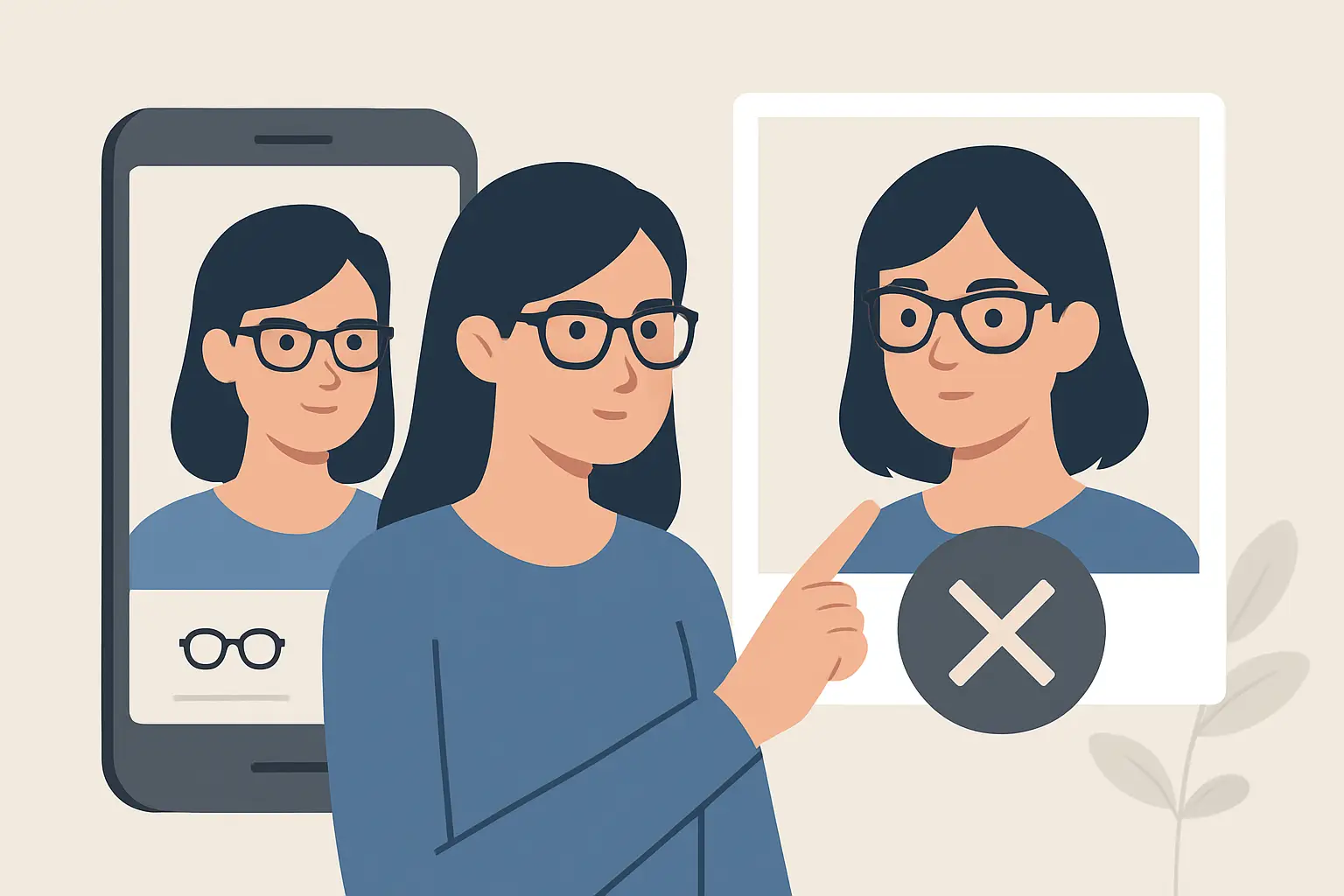
You upload a full-body photo, hit “try on,” and 10 seconds later you’re looking at a surprisingly realistic outfit preview. Then the question lands: where did that photo go?
If you’re searching “does virtual try on delete photos,” you’re not being paranoid. You’re being practical. A try-on image isn’t just another selfie. It can include your face, your home background, even identifying details you didn’t mean to capture. And because virtual try-on apps rely on cloud processing, it’s fair to ask what happens on the other side of the upload.
Does virtual try on delete photos?
Sometimes. Sometimes not. And the honest answer is: it depends on the app’s architecture, its business model, and the defaults it chooses for you.
At a high level, most virtual try-on experiences need three things to work: your uploaded photo, the garment image, and a processing pipeline (often cloud-based) that aligns, segments, and renders a composite result. Whether your photo is deleted right after processing or stored for later comes down to product decisions.
Some apps keep your photo so you can quickly try on more items without uploading again. Others keep it to power “history,” “favorites,” or outfit galleries. Others retain it for model training or analytics. And some are built to process and then automatically delete source photos because privacy is a core feature, not an afterthought.
The best signal is not a vague line like “we take privacy seriously.” It’s a clear retention promise, written in plain English, paired with user controls that match it.
Why virtual try-on apps might keep photos
Storing photos isn’t automatically shady. In some cases, it creates real convenience. The issue is when storage happens silently, or when the app keeps more than it needs for longer than you’d expect.
Here are the most common reasons an app might retain uploads.
1) Faster repeat try-ons
If you’re trying on five jackets in a row, re-uploading a full-body photo each time is friction. Some apps cache your photo so you can keep shopping without interruption. That’s a usability win, but it should be opt-in or clearly stated.
2) A “closet,” “wardrobe,” or saved looks feature
Apps that let you save outfits need something to save. Depending on how the feature is built, the app might store your original image, the rendered try-on result, or both. The privacy difference matters. The original photo is typically more sensitive than a rendered image, especially if the try-on output crops, blurs, or changes the background.
3) Customer support and quality improvement
Some teams retain a limited set of images to debug issues like distorted fit or incorrect garment alignment. If this happens, the app should explain whether images are anonymized, how long they’re retained, and who can access them.
4) Training data for AI models
This is the big one. AI systems improve with data. Some companies use uploaded photos to refine segmentation, pose estimation, and realism. If an app trains on user photos, that should be disclosed clearly, and you should have a straightforward way to opt out.
Why an app would automatically delete photos
Automatic deletion is a product philosophy: process what you need, then drop it. For virtual try-on, it’s also a trust accelerator.
When an app deletes uploads after processing, it reduces risk in a few important ways. It limits what can be exposed in a breach, it narrows internal access concerns, and it keeps the app aligned with what users assume is happening anyway.
It also forces better engineering discipline. If you can’t depend on keeping source photos forever, you build a pipeline that’s efficient, encrypted, and retention-minimized by design.
Some apps make this a headline feature because it’s genuinely differentiating. For example, Prova positions privacy as a core promise, using encrypted connections and automatic photo deletion after processing while still delivering fast, realistic try-ons and a built-in wardrobe for revisiting looks.
“Deleted” can mean a few different things
This is where marketing language can get fuzzy. If you want the real answer to “does virtual try on delete photos,” you need to know what kind of deletion an app is talking about.
Deleted from your phone vs deleted from the cloud
Deleting locally is easy: an app can remove a cached file from your device. That does not automatically mean the file is gone from the app’s servers. Most virtual try-on processing happens in the cloud, so server-side retention is the key question.
Deleted immediately vs deleted on a schedule
Some apps delete “after processing.” Others delete after 24 hours, 7 days, or 30 days. A time window might exist to let you re-download results, share outfits, or recover from an accidental app delete. That can be reasonable, but it should be explicit.
Deleted from primary storage vs deleted from backups
Even if an app deletes a photo from active servers, copies may still exist in system backups for a period of time. Many reputable services operate this way. The difference is whether backups are encrypted, access-controlled, and time-limited. The best privacy policies say this plainly.
Deleted photos vs saved outputs
An app can delete the original uploaded photo but keep the final try-on render you chose to save. That’s often the right balance: minimal retention of sensitive raw data, with user-controlled saving of the results they actually want.
What you should look for before uploading
If you’re making a quick decision in an app store or on a landing page, you don’t have time to read legal text for 20 minutes. You need a few sharp checks that tell you what’s really going on.
First, look for a specific retention statement. “We may retain your data as long as necessary” is broad and usually means the app keeps more than you think. “Photos are automatically deleted after processing” is specific.
Second, check whether the app offers a saved-looks feature and how it’s described. If you can save outfits, ask yourself: what exactly is being saved, and where?
Third, look for user controls. The strongest privacy posture is not just a promise. It’s a setting. Can you delete uploads? Can you clear your try-on history? Can you delete saved looks with one action?
Finally, look for security basics stated clearly: encrypted connections during upload and processing, access controls, and a straightforward way to contact support with privacy questions.
The trade-offs: convenience vs privacy
There’s no free lunch here. The more “magical” the experience feels, the more likely it relies on state: saved photos, saved body profiles, saved outfit history.
If you want maximum privacy, you’ll prefer apps that process quickly and delete source images by default. You might accept re-uploading a photo if it means nothing lingers.
If you want maximum convenience, you might choose to store a photo to speed up shopping sessions and keep your wardrobe organized. That can still be safe if the app uses encryption, strict access controls, and clear deletion tools.
The right answer depends on what you’re doing. Trying on a single dress for a one-time event is different from building a week of outfits and sharing them with friends.
Common questions people don’t ask (but should)
Most people stop at “do you delete photos?” The better questions are more specific and get you closer to how the system actually behaves.
Ask whether the app stores your original upload, the processed output, or both. Ask how long each is retained. Ask whether any human can review images for quality control. Ask whether images are used to train AI models, and whether you can opt out.
If the app can’t answer those questions clearly, that’s your answer.
How to use virtual try-on more privately
You don’t need to quit virtual try-on to protect your privacy. A few habits can reduce exposure without ruining the experience.
Use a photo with a plain background when possible. It improves try-on accuracy and reduces the chance you capture personal details. Wear fitted clothing in the base photo if the app recommends it, because it helps the AI estimate your shape without guessing.
If you don’t want your face included, frame the photo from the neck down if the app still supports full-body alignment. If face framing is required, consider choosing a photo that doesn’t show your home environment.
And if the app offers a “clear history” or “delete uploads” option, use it like you use “clear cart” after a shopping spree. It’s a simple reset that keeps you in control.
A better standard for virtual try-on
Virtual try-on is becoming a normal part of shopping. That’s a good thing - it saves time, boosts confidence, and cuts returns. But normal should not mean careless.
The standard should be simple: process fast, encrypt by default, keep only what the user chooses to keep, and make deletion obvious and immediate. When an app meets that standard, you don’t have to debate whether it’s worth uploading a photo. You can just try on the outfit, decide what looks right, and move on with your day - knowing your image isn’t quietly turning into permanent inventory somewhere.