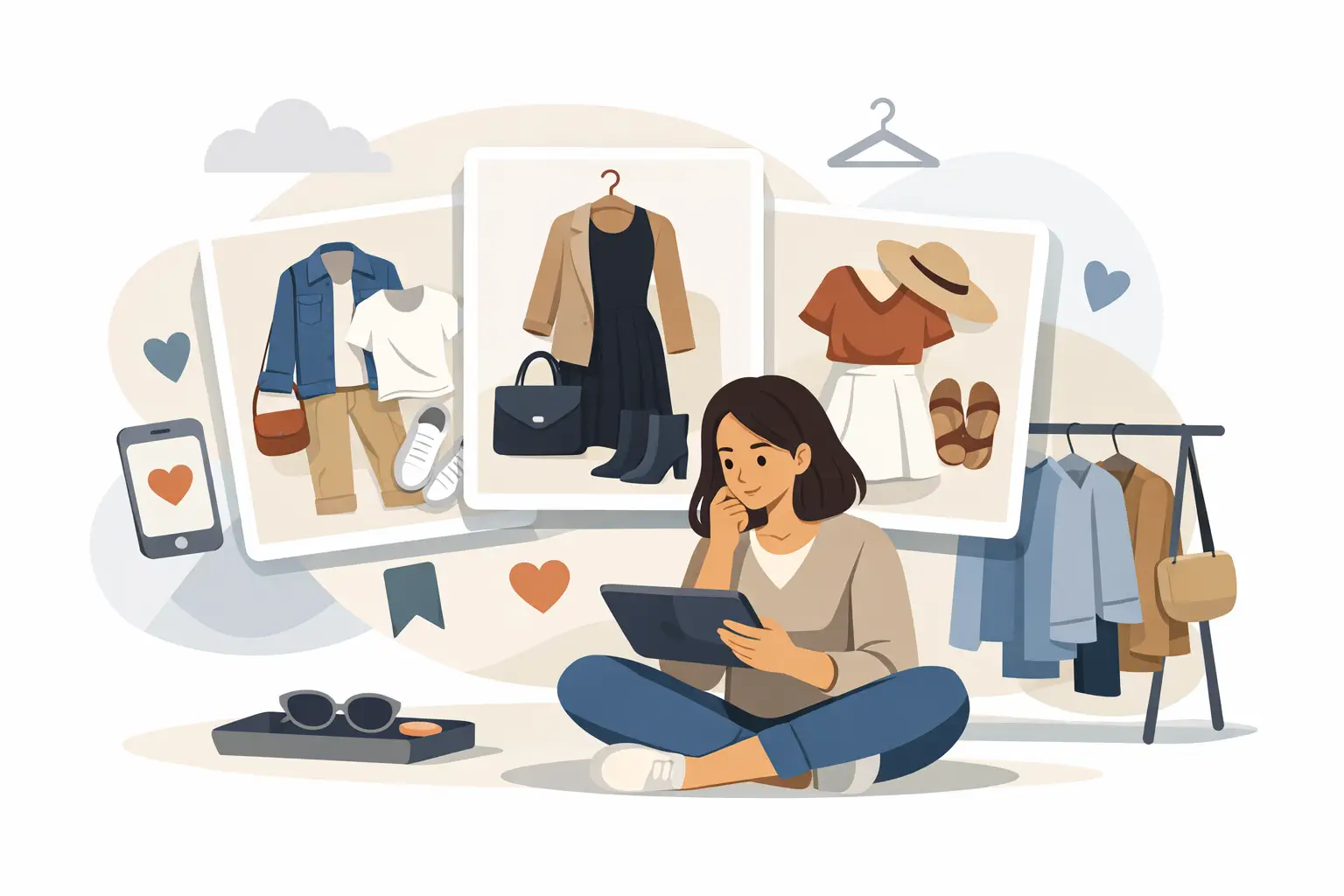
You found a jacket that works, a pair of pants that might work, and three outfit combos you swear you want to revisit. Then life moves on. By the time you open your tabs again, you cannot remember which look felt right. That is the real reason people ask how to save looks for later - not to collect more screenshots, but to make better decisions faster.
Saving looks should reduce friction, not create a second job. If your system is just a camera roll full of cropped product photos and random notes, it is not helping you shop with confidence. A useful setup lets you compare outfits, remember why you liked them, and come back when you are ready to buy.
How to save looks for later without creating a mess
Most people start with screenshots because they are fast. The problem shows up later. Screenshots do not tell you whether the item was available in your size, how it looked with the rest of your wardrobe, or whether you liked the idea more than the actual outfit.
A better approach is to save a complete look, not just a product image. That means keeping the top, bottom, shoes, layer, and any notes that explain the context. Was it for work? A weekend trip? A dinner outfit? The more specific the reason, the easier it is to judge whether the look is worth revisiting.
This is also where digital try-on becomes useful. Seeing clothing on a model is one thing. Seeing the outfit on your own body shape changes the quality of the decision. It helps you filter out looks that are only appealing in theory.
Start with fewer looks than you think
If you save everything, nothing stands out. The fastest way to improve your saved outfits is to become more selective at the start.
A good rule is to save only looks that pass one of three tests. First, you would wear it within the next 30 days. Second, it solves a specific need, like workwear, travel, or an event. Third, it introduces a style direction you genuinely want to explore, not just admire from a distance.
That last point matters. Plenty of looks are impressive but not realistic for your life. Saving them is not wrong, but mixing aspirational outfits with practical options can blur your choices. Keep inspiration separate from likely purchases if you want cleaner decisions.
What to save with every look
If you are serious about learning how to save looks for later, save the context along with the image. The context is what turns a saved outfit into a usable shopping tool.
For each look, keep four details: where you would wear it, what pieces make the outfit work, what you are unsure about, and whether you already own anything similar. Those notes prevent the usual problem of revisiting a saved look and wondering why you liked it in the first place.
You do not need long descriptions. A short line like "great for office days, unsure about pant length, already own similar boots" is enough. Quick notes beat perfect notes because they actually get used.
Use categories that match real life
The easiest system is the one you can scan in seconds. Organize saved looks by situation, not by vague style labels.
"Weekend," "Work," "Date night," "Vacation," and "Try before buying" are more helpful than folders called "minimal," "edgy," or "cool outfits." Style words sound useful, but occasion-based sorting makes decisions faster because it matches how people actually get dressed.
If you want another layer of organization, sort by certainty. Keep one space for looks you are ready to buy, one for looks you are testing, and one for pure inspiration. That single distinction cuts down a lot of clutter.
See the outfit on you, not just on the product page
This is where many saved looks break down. A product page may show the right vibe, but that does not mean the proportions, colors, or styling will work the same way for you.
Virtual try-on solves a practical problem here. Instead of saving a dress because it looked strong on a model, you can check how it lands on your frame, with your proportions, before deciding it deserves a spot in your saved looks. That is a better filter than guesswork, and it usually means fewer return-driven purchases later.
With Prova, you can upload a full-body photo, see a realistic try-on in about 10 seconds, and save the outfit to revisit inside My Wardrobe. That changes saved looks from passive inspiration into something closer to a personal fitting room. You are not just bookmarking an item. You are saving a decision in progress.
Compare looks side by side
One saved outfit is easy. Ten saved outfits become noisy unless you compare them directly.
When you revisit your saved looks, ask simple questions. Which option works with clothes you already own? Which one feels wearable more than once? Which one solves the need with the least risk? This is especially useful when two looks are close and you are tempted to keep both.
Most shopping mistakes happen when people evaluate items one by one. Outfit comparison is better because clothing is rarely purchased in isolation. A blazer might look average alone and excellent in a full work look. A trendy top might feel exciting in the moment and impossible to style a week later.
Save looks with a next step
A saved look should point to an action. If it does not, it tends to sit there until it becomes digital wallpaper.
After saving an outfit, decide what happens next. Maybe you want to wait for a sale. Maybe you want to test a different color. Maybe you want to compare it with something already in your closet. That next step gives the saved look a purpose.
This is a small habit, but it keeps your wardrobe planning from stalling out. Even a note like "recheck Friday" or "compare with black trousers" can be enough to move the decision forward.
When to save and when to let it go
Not every decent outfit deserves a saved spot. Some looks are good, but not good enough.
If you feel unsure for the same reason every time you revisit a look, pay attention. Maybe the fit seems off. Maybe the styling only works with pieces you do not own. Maybe the price is making you force a decision. Repeated hesitation is useful data.
On the other hand, if you keep returning to the same outfit and still like it after a few days, that is usually a strong sign. Saved looks work best when they help you notice patterns in your own taste instead of pushing you toward impulse buys.
How to save looks for later across seasons and trends
Some outfits are immediate. Others are seasonal. The mistake is treating both the same way.
For trend-driven looks, speed matters. If you love a look because it feels current, revisit it soon while it still fits your taste and the season. For foundational outfits, there is less pressure. A great coat-and-denim combination or a clean office look can sit in your saved wardrobe longer because it is built on pieces with more staying power.
This is where labels help. Mark certain looks as "buy now," others as "seasonal," and others as "evergreen." You do not need a complex system. You just need enough structure to separate urgency from interest.
The best saved-look system is the one you actually trust
A lot of advice about outfit organization sounds efficient until you try to use it on a busy day. The right method should feel fast, visual, and easy to revisit. If it takes too much effort, you will go back to scattered screenshots and half-remembered tabs.
The strongest setup usually has three parts: realistic outfit previews, a simple way to save them, and enough context to remember why they mattered. When those pieces are in place, saved looks become more than inspiration. They become a smarter way to shop, style, and decide.
You do not need a bigger folder of ideas. You need a smaller collection of looks you can actually see yourself wearing, which is a much better place to start.