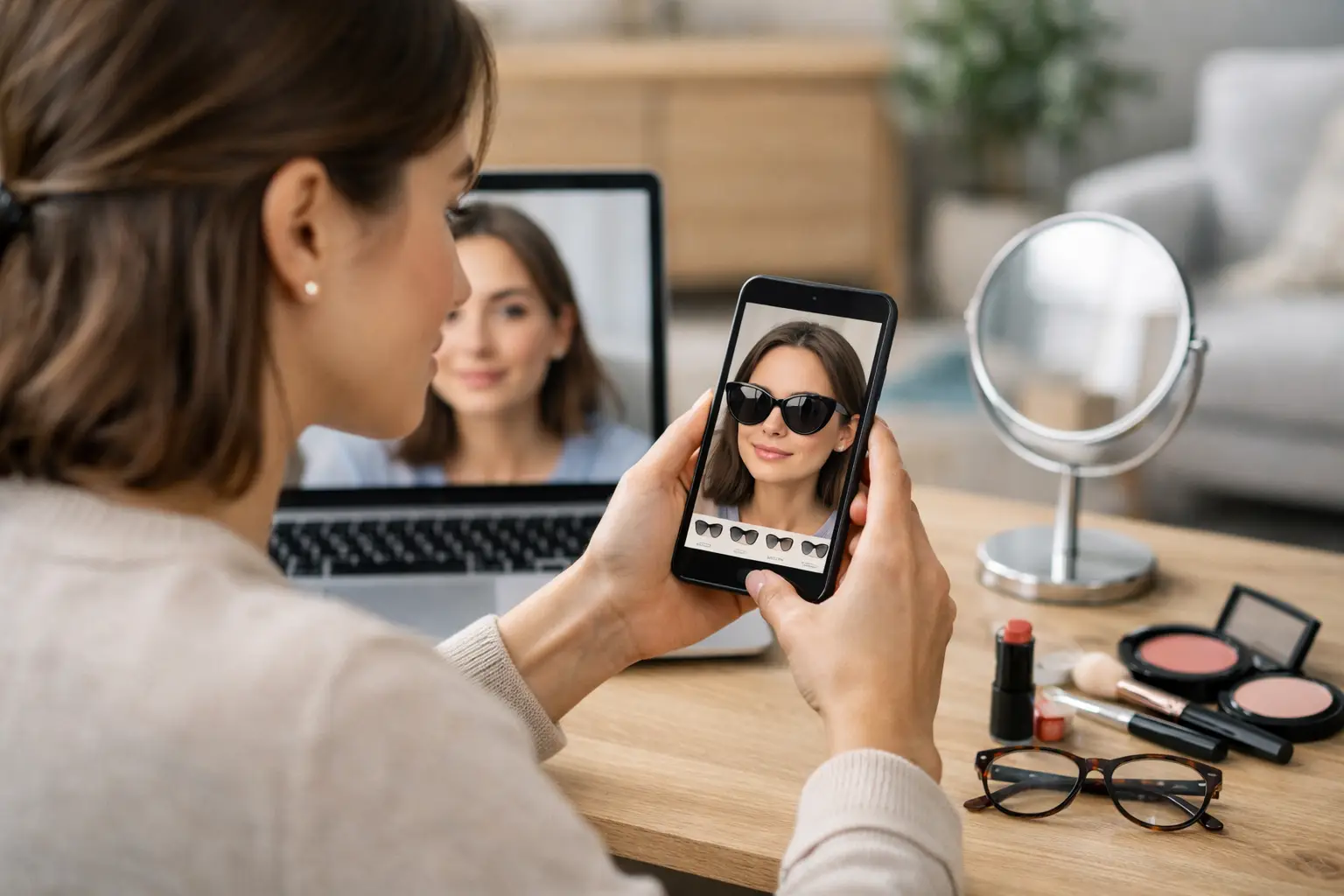
You know the moment: you find a jacket that looks perfect on the model, you pick your size, and you still hesitate at checkout because you can already picture the return label.
A virtual try-on app is built for that exact pause. It replaces guesswork with a realistic preview of how a piece will look on your body, with your proportions, before you spend money or wait for shipping. Used well, it is not just a fun filter - it is a fast decision tool.
What a virtual try-on app actually does (and what it can’t)
A good virtual try-on experience is about fit confidence, not fantasy. The app takes a full-body photo and digitally overlays clothing so you can see scale, drape, and styling on you. The goal is simple: make “Will this work for me?” answerable in seconds.
There are trade-offs. A virtual try-on can show how a silhouette lands on your frame and whether a color flatters you. It cannot perfectly predict fabric feel, stretch comfort, or how a waistband behaves after a full day of wear. Think of it as a high-signal preview that helps you avoid obvious misses and narrow your options quickly.
How to use virtual try on app results to shop smarter
If you want the most realistic output, treat the setup like taking a clean profile photo, not a random mirror pic. Small choices here change the quality of the try-on.
Step 1: Start with a strong full-body photo
Your photo is the foundation. Use bright, even lighting so your outline is clear. A plain background helps the app separate you from the room. Stand straight, arms relaxed, with your full body visible from head to toe.
Clothing matters too. Fitted basics (like a tee and leggings) make your shape easier to read than baggy sweats. If you are trying on dresses or outerwear, you will typically get better results when your base outfit is simple and close to the body.
If you only have mirror photos, that can still work, but watch for distortion. Wide-angle lenses and heavy mirror angles can change proportions. When you can, have someone take a straight-on photo from about chest height.
Step 2: Pick the right items to try on first
Not every product benefits equally from a virtual try-on. Start with pieces where the silhouette makes or breaks the decision: coats, blazers, jeans, trousers, dresses, and anything with a dramatic shape.
For basics like plain tees, the app is still useful - but you will get the biggest payoff by previewing statement items, tricky fits, and outfits you would otherwise second-guess.
Step 3: Match the garment type to your goal
Before you start swapping looks, decide what you are trying to solve:
If you are buying for an event, focus on overall silhouette and proportions. Does the hem hit where you want? Does the waistline sit in a flattering place?
If you are rebuilding work outfits, focus on repeatability. Can this blazer work with three different bottoms you already own?
If you are experimenting with style, go fast. Try multiple colors and cuts back-to-back, then save only what feels surprisingly right.
Step 4: Use comparisons, not single screenshots
One try-on image can be convincing, but side-by-side comparisons are what drive confident decisions. When you’re wondering between two sizes, two washes, or two necklines, run the try-on for each and compare them in the same session.
You are looking for pattern-level signals: which option balances your proportions, which length makes your legs look longer, which color makes your skin tone look clearer. The point is not to find perfection. It is to spot the obvious winner.
Step 5: Pay attention to these “fit tells”
Virtual try-on is especially good at showing proportional cues. Here are a few that tend to be reliably helpful:
Jackets and blazers: Look at shoulder width and where the hem lands relative to your hips.
Jeans and trousers: Look at rise placement and leg shape (straight vs. wide vs. tapered) on your frame.
Dresses: Look at waist placement and overall length - mini vs. midi vs. maxi can change the vibe more than the print.
Tops: Look at neckline shape and sleeve volume, especially if you know you are picky about arm fit.
Then apply real-world common sense. If the try-on shows a slim trouser that looks borderline tight, and the fabric is non-stretch, size up or move on. If the try-on shows a boxy tee that looks roomy but the description says “oversized,” that is probably accurate.
Make it a system: try-on, save, then decide
The fastest shoppers are not the ones who buy quickly. They are the ones who reduce indecision. The easiest way to do that is to treat your try-ons like a shortlist.
Most virtual try-on apps let you save looks so you can revisit them later. Use that. Save the top two or three options that feel right, then walk away for five minutes. When you come back, you will usually know which one you actually want.
If your app includes a wardrobe or outfit history, that is where it becomes more than a try-on tool. You can keep a clean record of what you liked, what you nearly bought, and what works together. That is how you stop rebuying the same “almost” items and start building outfits that repeat.
Style tips: how to use virtual try on app features for outfits, not just items
If you only try on single pieces, you are leaving value on the table. The real confidence comes from seeing the full look.
Start with one anchor piece (a jacket, a statement skirt, a pair of jeans you love), then try multiple tops or layers against it. You are testing versatility.
If the app offers AI style suggestions, use them as prompts, not rules. Sometimes the recommendation confirms what you already suspected. Sometimes it pushes you into a combo you would not have picked - and that is where you find new outfits.
A practical approach is to aim for two outcomes:
One safe outfit you know you will wear.
One “interesting” outfit that still feels like you.
That mix keeps your closet useful and keeps shopping fun.
Privacy and speed: what to look for in a try-on app
You are uploading a full-body photo. It should feel secure, because it should be secure.
Look for clear privacy cues: encrypted connections, transparent handling of uploads, and automatic photo deletion after processing. If an app is vague about what happens to your images, that is your sign to choose a different one.
Speed matters too. Waiting a minute for each try-on kills the point. The best experiences process in about 10 seconds so you can stay in a shopping flow, compare options quickly, and make a decision while you still care.
If you want a fast, privacy-forward option with outfit saving built in, Prova is designed around near-instant try-ons, encrypted processing, automatic deletion, and a “My Wardrobe” space to save and revisit your best looks.
Common mistakes that make results look “off”
When people try a virtual fitting room once and give up, it is usually because of a few fixable issues.
Bad lighting is the big one. Dim bedrooms and harsh shadows make it harder to map your outline, so the overlay can look less natural.
Busy backgrounds are another. If your photo is full of visual clutter, the app has more to separate.
Angles can also throw things off. A hip-popped mirror pose might look great on social, but it changes proportions and can distort how a garment sits.
Finally, avoid judging a piece based on one weird frame. If something looks slightly misaligned, rerun it with a cleaner photo or a different stance. You are aiming for reliable direction, not a single perfect render.
When virtual try-on helps the most (and when it doesn’t)
Virtual try-on shines when you are deciding between options and want visual clarity fast. It is perfect for narrowing down carts, reducing returns, and testing silhouettes you have never worn.
It helps less when the main question is tactile: scratchy fabric, breathability, or whether a shoe rubs your heel. In those cases, use try-on to pick the best candidate, then rely on reviews and return policies for the final layer of certainty.
It also depends on the garment. Highly reflective fabrics, extreme layering, or very intricate details may not preview as cleanly as classic shapes. That does not make the tool useless - it just means you should use it where it gives the most signal.
The simplest way to get value from your next try-on
The next time you are hovering at checkout, run a quick try-on for the top two options, save the winner, and move on without reopening the same product page five times. Your future self will thank you, not because shopping becomes perfect, but because it becomes decisive.