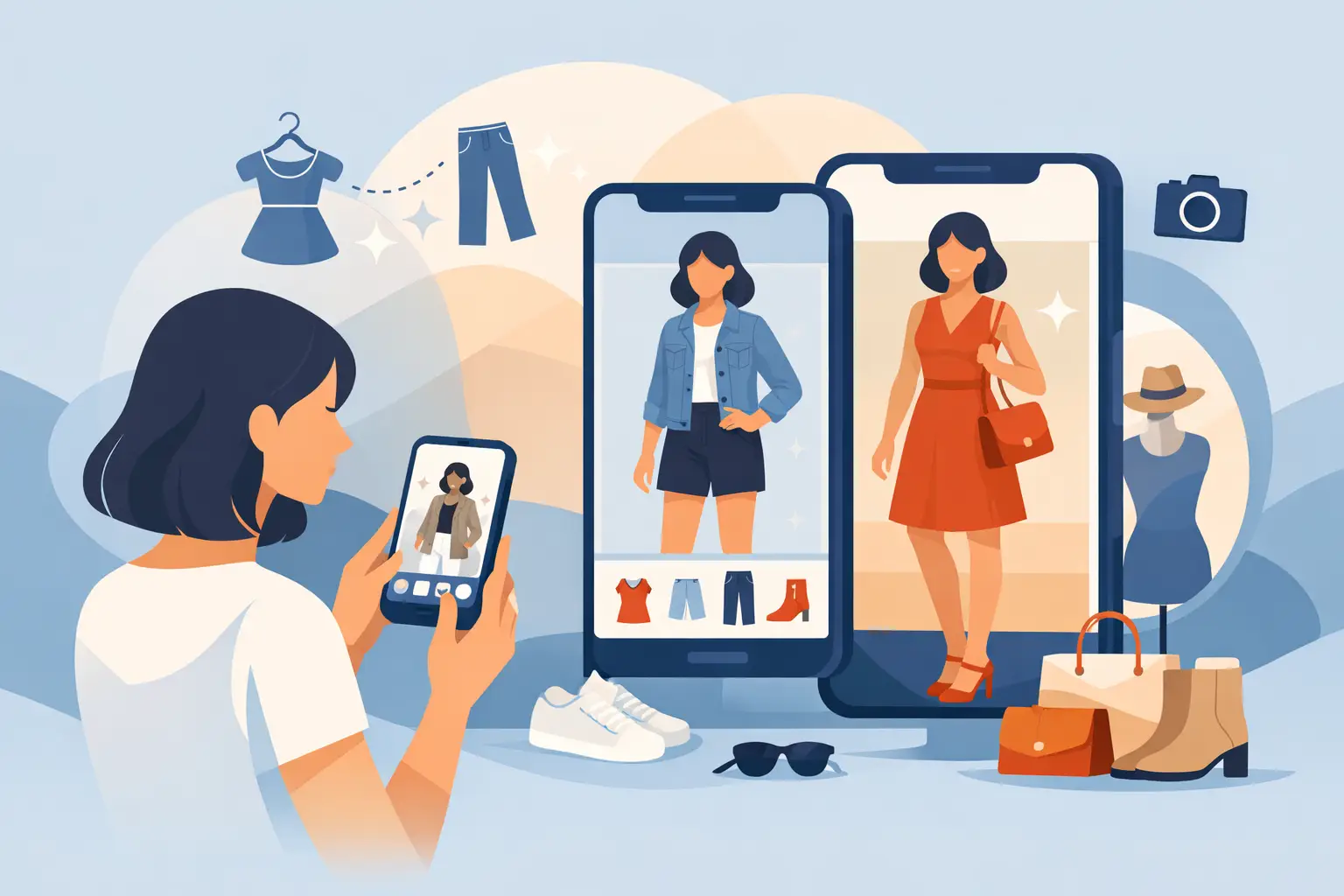
Buying clothes online gets expensive when your cart is full of guesswork. The best apps to visualize outfits before buying solve that fast - they show how pieces might look together, how they sit on your body, and whether a purchase actually earns a place in your wardrobe.
Not every outfit app does the same job, though. Some focus on realistic virtual try-on. Others help you build looks from your existing closet. A few are better for inspiration than decision-making. If your goal is fewer bad purchases and more confidence before checkout, that difference matters.
What makes the best apps to visualize outfits before buying?
The right app should answer one simple question: can you picture yourself wearing this, clearly enough to decide whether to buy it? That sounds obvious, but plenty of fashion apps stop short. They give mood boards, general styling ideas, or polished model photos instead of a useful preview.
The strongest options usually get four things right. First, speed. If it takes too long to upload, crop, and render a look, most people abandon it. Second, realism. A visualization only helps if proportions, layering, and fit cues are believable enough to guide a purchase. Third, wardrobe context. A dress may look great on its own and still fail if it works with nothing you already own. Fourth, privacy. If you are uploading body photos, security should be explicit, not implied.
That is why this category has split into two lanes. One lane is virtual try-on, which aims to show clothing on your actual body. The other is outfit planning, which helps you organize pieces and assemble looks. Both are useful. If you shop often, you may want one of each. But if you are trying to reduce returns, virtual try-on tends to have the biggest impact.
7 best apps to visualize outfits before buying
1. Prova
If your priority is seeing a realistic version of an outfit on your own body before you buy, Prova stands out. The app is built around AI-powered virtual try-on, letting you upload a full-body photo and preview clothing in about 10 seconds. That speed matters because it turns try-on from a novelty into something you can actually use while shopping.
What makes it especially practical is the full workflow. You are not just generating a one-off image. You can save looks, revisit them in My Wardrobe, compare options, and use the app as an actual decision tool. For shoppers who bounce between tabs, carts, and saved items, that matters more than flashy visuals alone.
There is also a trust factor here. Photos are processed over encrypted connections and automatically deleted after processing. If you are cautious about uploading personal images, that kind of privacy language is not a side note - it is part of the product. The trade-off is that AI try-on is still a visualization, not a guarantee. Fabric feel, exact drape, and true sizing still depend on the garment. But for reducing uncertainty before you buy, this is one of the strongest use cases in the category.
2. Whering
Whering is better known as a digital wardrobe and outfit planner than a pure try-on tool. It works well if your biggest problem is not impulse buying itself, but losing track of what you already own. You upload your clothes, create outfit combinations, and start spotting gaps in your closet more clearly.
That makes it useful before buying because it adds context. Instead of asking, Do I like this jacket, you ask, What does this jacket work with? For budget-conscious shoppers, that shift can prevent a lot of unnecessary purchases.
The limitation is realism. Whering helps you visualize outfits as combinations, not necessarily as accurate, body-specific try-ons. So it is great for planning and styling logic, less effective for fit confidence.
3. Stylebook
Stylebook has been around for years, and its strength is organization. It is especially appealing to users who want detailed closet tracking, outfit calendars, packing lists, and cost-per-wear data. If you love structure, it delivers.
For visualizing outfits before buying, Stylebook helps indirectly. You can map potential purchases against your existing wardrobe and see whether a new item actually expands your options. That is a smart filter if you tend to buy pieces that look good in isolation but never get worn.
The downside is that it asks more from the user. You need to invest time in cataloging your closet, and the payoff comes from that effort. If you want instant try-on results, this will feel slower and more manual.
4. Indyx
Indyx leans into closet digitization with a polished, personal styling feel. It is designed for users who want their wardrobe to feel edited, intentional, and easier to use. The app helps you build outfits and manage what you own, which can make future buying decisions more disciplined.
Where it helps most is with styling confidence. If you often buy clothes because you think they will somehow pull your wardrobe together, Indyx can expose whether that is true. You get a clearer sense of how a new item would fit into your rotation.
Still, like other closet-focused apps, it is not a substitute for realistic virtual try-on. It can show outfit logic, not necessarily how that blouse or pair of pants will look on your frame.
5. Acloset
Acloset combines wardrobe organization with AI-based recommendations, which makes it more dynamic than a simple digital closet. It is useful for users who want the app to do more than store images - it suggests pairings and can help surface overlooked combinations.
That can make shopping smarter. When an app shows you three similar items you already own, it becomes much easier to skip a redundant purchase. And when it suggests fresh combinations, you may realize your current closet has more range than you thought.
The trade-off is similar to others in this lane: the app helps with styling and decision support, but it is not always the fastest path to body-specific visualization.
6. Pinterest
Pinterest is not a dedicated outfit visualization app, but it still influences a huge number of purchase decisions. If you are trying to imagine how cargo pants, ballet flats, or a cropped trench might look in real life, Pinterest is often where that visual research starts.
Its advantage is breadth. You can quickly see how a trend translates across body types, aesthetics, and occasions. That helps if you are still deciding whether a piece fits your style at all.
Its weakness is precision. Pinterest is excellent for inspiration and weak for certainty. It cannot tell you how a specific item will look on you, with your proportions, next to clothes you already own. Use it to narrow ideas, not to make the final call.
7. Instagram
Instagram works similarly, though in a more trend-driven way. It is useful for seeing clothing in motion, on different creators, under less controlled lighting than a retailer product page. Sometimes that alone reveals whether an item has real-world appeal or just good studio photography.
For shoppers who care about styling versatility, Instagram can be surprisingly helpful. You may find five ways to wear a piece before buying it, which is often more valuable than a static product image.
But again, it is inspiration, not verification. Social platforms can push impulse buys as easily as they support better ones. If you already know you are vulnerable to trend pressure, this should not be your only decision tool.
How to choose the right outfit visualization app
The best choice depends on what kind of uncertainty you are trying to remove. If your main question is, Will this actually look good on me, start with a virtual try-on app. That is the fastest route to visual certainty, especially for online shopping.
If your problem is more about closet overload or repeated purchases, a wardrobe planner may be enough. These apps are strong at showing whether a new item adds real value or just duplicates something you already have.
Some shoppers benefit from pairing both approaches. Use inspiration platforms to spot ideas, a wardrobe app to test versatility, and a virtual try-on app to make the final decision. That sounds like more work, but the payoff is fewer return labels, fewer unworn purchases, and faster decisions.
Where most outfit apps still fall short
Even the best apps to visualize outfits before buying have limits. They cannot fully simulate fabric weight, comfort, stretch, or the subtle differences between sizes. A soft knit and a stiff woven top may look similar in a static preview and feel completely different in real life.
Retailer photography also affects results. If product images are poor, inconsistent, or heavily retouched, the preview will be less trustworthy. And if a shopper expects perfect, mirror-level realism from every app, they will be disappointed. The more practical expectation is this: a strong app should reduce uncertainty, not eliminate it entirely.
That is still a major upgrade from guessing. When you can preview a look on your body, compare it with your wardrobe, and save options before checking out, you move from hopeful shopping to informed shopping. That shift is what makes these apps worth using.
The smartest app is the one that helps you say no faster when something is not right - because that is usually what saves the most money, time, and closet space.