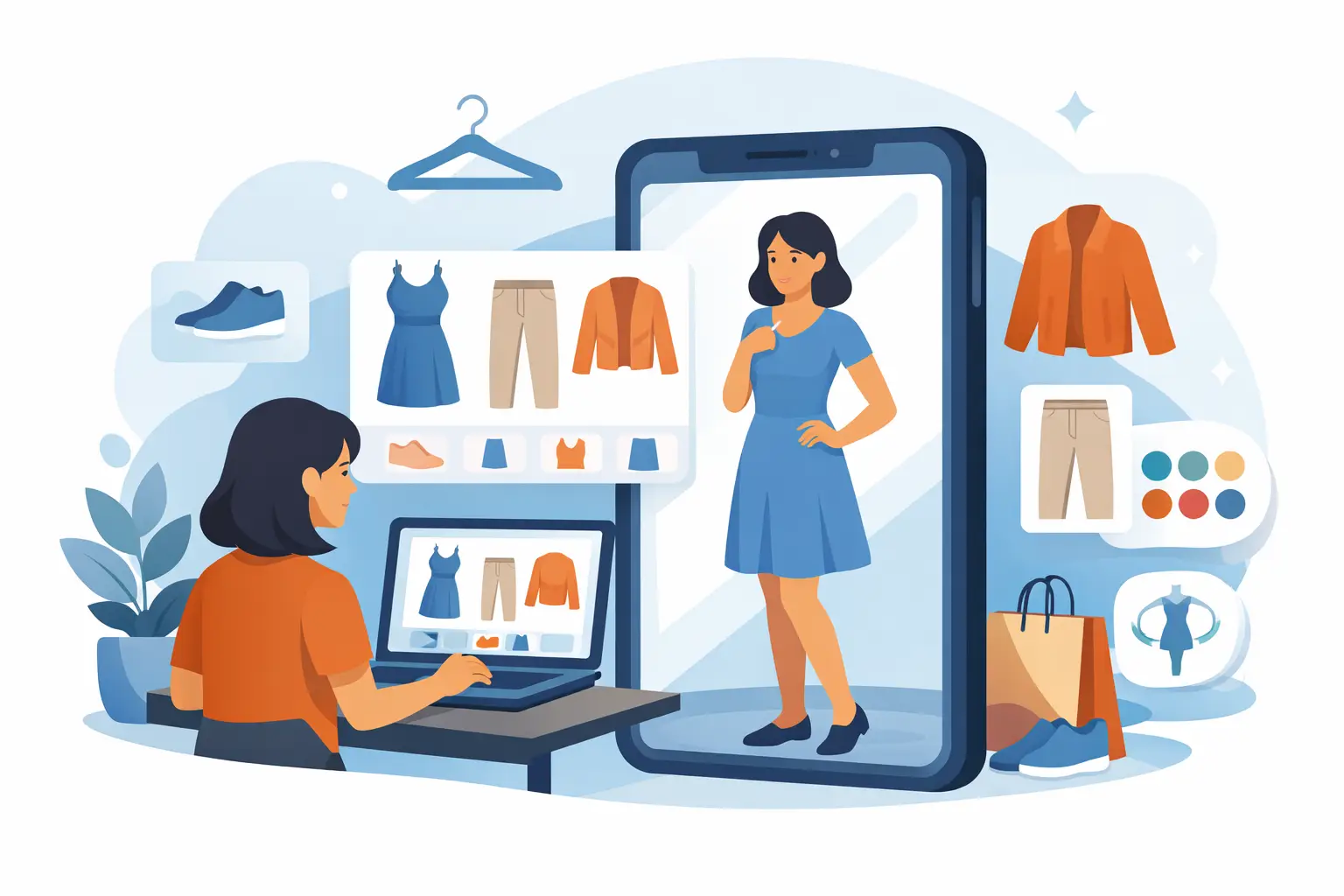
Ordering a jacket that looked perfect on the model and then watching it land on your body like a completely different product is a fast way to lose patience with online shopping. If you want to know how to preview clothes before buying, the goal is simple - replace guesswork with a visual check that feels close to trying it on for real.
That means looking beyond polished product shots. Good previews come from combining sizing data, fabric clues, customer photos, and, when possible, AI-powered virtual try-on. The more you can see the item on a body that resembles yours - or better, on your own photo - the fewer surprises you get after checkout.
The old method is still common. You scan a few studio images, pick your usual size, and hope the cut works. That approach fails because sizing is inconsistent, styling can hide fit issues, and model photos rarely show how a garment behaves on different shapes, heights, or proportions.
A better approach starts with the product page but does not stop there. Look at the front, back, and side views if they are available. Pay attention to where hems hit, how sleeves fall, and whether the fabric sits close to the body or pulls in certain areas. If a brand only shows one angle, that is already less information than you need.
Then compare the listed measurements to something you already own and like. This matters more than a generic small, medium, or large. A size medium in one brand can fit like a small in another, and even within the same brand, pants, dresses, and outerwear can vary. Chest width, inseam, rise, shoulder width, and garment length tell you more than the label ever will.
The most reliable ways to preview fit and style
If your real question is whether something will actually look good on you, you need to preview both fit and styling. Those are related, but they are not the same. A sweater can technically fit and still feel wrong once you see the shape, length, or volume on your frame.
Start with customer photos, not model photos
Customer photos are often more useful because they are less controlled. You can see how the fabric wrinkles, whether the color reads differently in normal lighting, and how the item sits on different bodies. If several shoppers mention that the pants run long or the blazer feels boxier than expected, that is not noise. That is preview data.
Still, customer photos have limits. Angles are random, lighting is inconsistent, and not every reviewer shares their measurements. They help, but they do not give you a consistent preview.
Use your own wardrobe as a reference
One of the smartest ways to preview clothes before buying is to compare the new item to pieces you already wear often. If a pair of jeans you love has a 28-inch inseam and a 12-inch rise, use that as your benchmark. If a coat that flatters you hits mid-thigh, compare that length to the new option.
This is especially useful for basics, workwear, and occasion pieces where proportions matter. You are not trying to decode fashion in the abstract. You are checking whether the new item fits into the reality of your body and your closet.
Look for fabric behavior, not just fabric names
A product description that says cotton, polyester, or rayon only tells part of the story. You also want to know whether the fabric stretches, drapes, clings, or holds structure. Two dresses made from similar materials can behave very differently once worn.
Zoom in on the images if you can. Structured fabrics keep shape around the shoulders, waist, or hips. Softer fabrics tend to follow the body more closely. If you are previewing something fitted, this detail matters. It changes whether the item will skim, pull, or hang cleanly.
Why virtual try-on is changing how people shop
The biggest shift is that previewing no longer has to mean imagining. Advanced AI technology now lets shoppers see clothing on a version of themselves before buying, which is a major step up from static photos and broad sizing advice.
A virtual try-on tool works by taking a full-body photo and digitally overlaying the garment so you can evaluate overall fit, proportions, and styling. In practical terms, it answers the question people actually care about: not just "Will this fit?" but "Will this look right on me?"
That matters because many returns are not caused by defects. They happen because the item looked different on the buyer than it did online. A realistic preview cuts that uncertainty before money is spent and before a return starts eating up time.
What a good virtual preview should show
Not every digital preview is useful. Some tools are gimmicks. A strong one should give you a fast, clear view of silhouette, garment placement, and how the piece works with your proportions. Speed also matters. If it takes too long or requires too much setup, most shoppers will skip it.
Privacy matters too. Uploading a personal photo should feel safe, not risky. If a tool uses encrypted processing and automatically deletes photos after processing, that removes a major barrier for people who want the benefit of AI without keeping personal images floating around.
That is why apps built specifically for virtual try-on are gaining traction. One example is Prova, which generates a realistic try-on in about 10 seconds, keeps processing secure through encrypted connections, and automatically deletes photos after use. For shoppers who want fast answers before checkout, that combination is practical.
How to preview clothes before buying in a way that saves money
If your cart keeps turning into a return pile, the issue is usually not taste. It is a weak preview process. A better system can cut waste fast.
Start by checking whether the item solves a real wardrobe need. Then verify the measurements. Then review unfiltered images. After that, use AI try-on if available to confirm shape and styling on your body. This order matters because it prevents emotional impulse buys from outrunning the facts.
There is also a trade-off to keep in mind. Sometimes the item is trendy enough that exact fit is less critical, like an oversized hoodie or relaxed tee. Other times, precision is everything, like tailored pants, dresses, or blazers. The more structured the garment, the more your preview method needs to be precise.
When in-store previewing still wins
Physical stores still have an advantage for feel. You can test fabric texture, weight, and movement immediately. If you are shopping for formalwear, denim, or anything where comfort is highly personal, trying it on in person can still be the best call.
But even in-store shopping has gaps. Dressing room lighting is often terrible, inventory is limited, and you may not see the exact color or size you want. A digital preview can help before you go, after you leave, or when the item is only available online.
A smarter shopping routine for better previews
The most effective shoppers build a repeatable system. They do not treat every purchase like a fresh gamble. They use saved measurements, keep track of favorite fits, and review looks before buying.
That is where storing outfit ideas can help. When you can save and revisit looks, compare options side by side, and see what works with pieces you already own, you shop with more clarity. It becomes less about chasing a single image and more about making confident decisions across your whole wardrobe.
This is also where speed changes behavior. If previewing an outfit takes seconds instead of becoming a project, you are far more likely to do it every time. That consistency is what reduces returns.
What to trust most before you buy
If you want the short answer on how to preview clothes before buying, trust anything that brings the item closer to your reality. Your measurements are more trustworthy than the size label. Customer photos are more trustworthy than a perfectly styled campaign shot. A realistic AI try-on using your own full-body photo is more trustworthy than trying to imagine how a garment might translate from a model to you.
No preview method is perfect. Fabric feel, exact movement, and comfort still have to be experienced. But shopping gets much easier when you stop treating online buying like a blind bet and start using tools that show you what you are actually getting.
The best preview is the one that gives you enough certainty to buy once, buy smarter, and move on with your day.