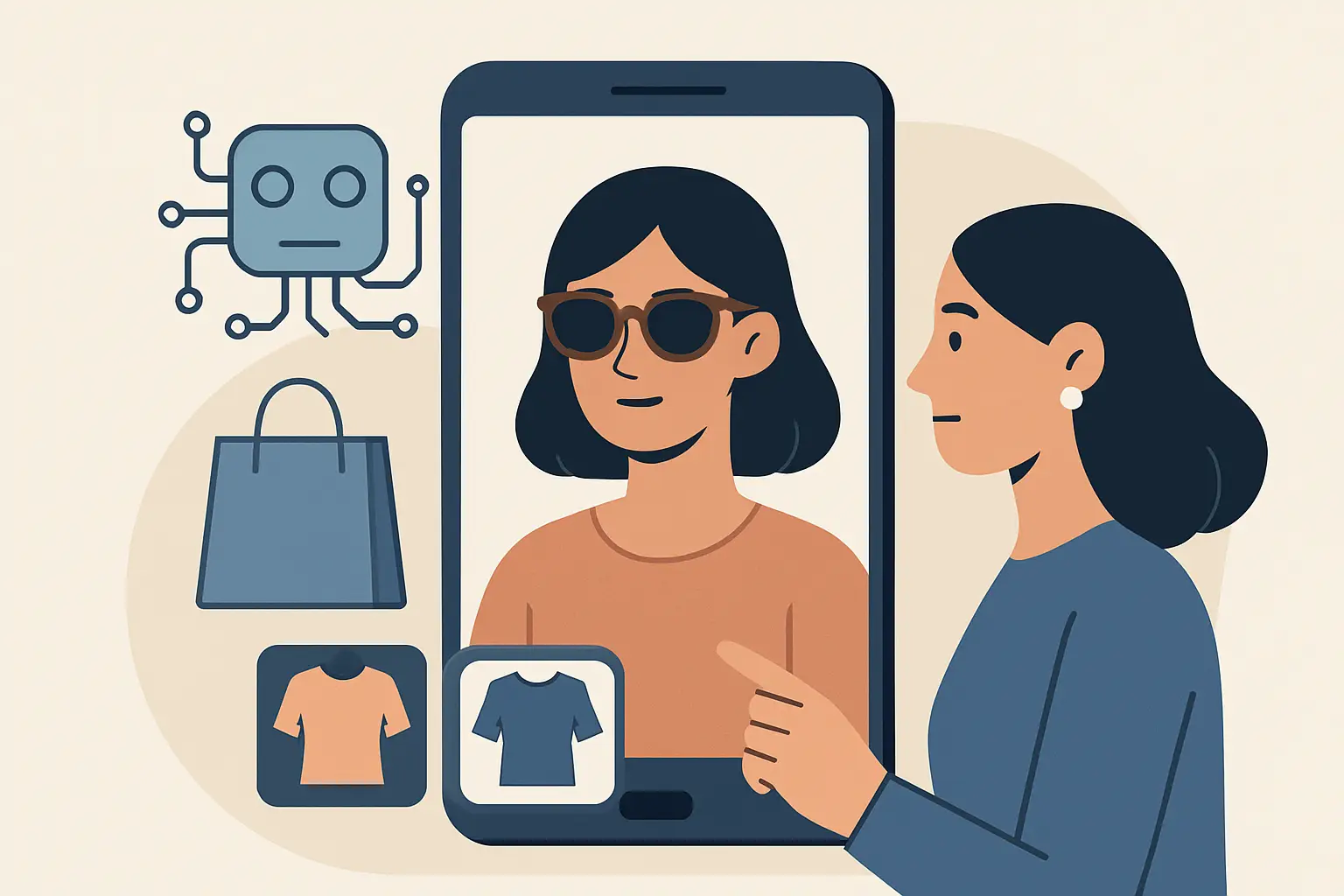
You know the moment: you find the jacket, the jeans, the dress. The photos look right, the model’s measurements are “similar,” and the size chart is basically a puzzle. You buy it anyway because shipping is fast and returns are “free,” then you lose 20 minutes repacking a box two days later.
An ai virtual try on app is built to kill that cycle. Not with vague “style inspiration,” but with a simple promise: show the outfit on your body before you pay.
What an ai virtual try on app is (and isn’t)
A real virtual try-on app takes a full-body photo and digitally overlays a garment so you can see how it reads on your shape. The best ones do this quickly, with realistic proportions, and without turning you into a plastic-looking avatar.
It is not the same thing as:
- A brand’s static “model view” carousel
- A generic size recommendation widget that only guesses your size
- A filter that pastes clothing on top of your photo like a sticker
The difference is fit confidence. When the overlay respects your body’s proportions, you stop asking “Will it look like the listing?” and start asking the better question: “Do I like it on me?”
Why this matters now (even if you’re not a fashion person)
Returns are the hidden tax of online shopping. It’s not just money. It’s time, friction, and decision fatigue. And if you shop often, the cost compounds: the second-guessing, the closet clutter, the mental load of tracking what you meant to send back.
Virtual try-on flips the experience from “buy, then evaluate” to “evaluate, then buy.” That sounds small, but it changes your behavior. You take more chances on new styles because you can preview them. You take fewer chances on borderline buys because you can see the problem instantly.
There’s also a social layer. People already screenshot carts and send them to friends. A try-on makes that conversation faster and more fun because it’s your body in the look, not a stranger on a studio set.
How AI try-on works in plain English
Most consumer-facing try-on systems do three things in the background:
First, they identify your body and pose in your photo so the app understands where shoulders, hips, knees, and torso placement are.
Second, they interpret the garment - its silhouette, length, drape, and key seams - so it behaves like clothing, not clipart.
Third, they render the garment onto you with lighting and layering that looks natural enough to make a decision.
The trade-off is that different items stress the technology in different ways. A structured blazer is easier than a sheer top. A simple A-line dress is usually easier than something with cutouts, fringe, or complex layering.
If you want consistently useful results, the app needs strong modeling plus fast processing, because you won’t use it if every try-on feels like a project.
What “accuracy” really means for shoppers
Accuracy is not a single metric. For shopping, it breaks into three practical questions.
1) Does it look like that item?
You want recognizable details: neckline, sleeve length, waist placement, overall silhouette. If the try-on smooths away everything that makes the piece special, it’s not helping.
2) Does it look like it fits your proportions?
This is the big one. If the overlay doesn’t respect your torso length or shoulder width, it can mislead you into thinking a garment is flattering when it won’t be, or vice versa.
3) Does it support real decisions?
A try-on doesn’t need to be perfect to be useful. It needs to answer the questions that cause returns: “Is it too long?” “Does it make me look boxy?” “Is the waist hitting the right spot?”
If an app helps you confidently reject 3 items you would have regret-bought, it’s already doing the job.
Speed is a feature, not a nice-to-have
A try-on that takes a minute per outfit turns into something you “use later.” Later becomes never.
Fast processing changes how you shop. You’ll try multiple sizes, compare colors, and test styling ideas because it feels lightweight. That’s when an ai virtual try on app becomes a habit instead of a gimmick.
The sweet spot is when it fits into the natural shopping loop: spot an item, try it, decide, move on. If you can do that in about 10 seconds, the value is obvious.
Privacy is the real deal-breaker
Virtual try-on requires a full-body photo. That’s personal data, and shoppers are right to be picky.
If you’re evaluating an app, look for clear answers to three questions:
- Is the connection encrypted when you upload?
- Are photos automatically deleted after processing?
- Do they avoid using your images for anything you didn’t explicitly agree to?
If those answers are fuzzy, the app should be a hard pass. There’s no upside big enough to justify uncertainty here.
The “My Wardrobe” effect: why saving looks matters
The first time you use try-on, it feels like a feature. The tenth time, it starts to feel like a system.
Saving outfits changes your decision-making in two ways. It gives you a quick way to compare options without redoing work, and it turns shopping into a visual history you can reference when you’re tired, busy, or trying to pack for a trip.
This is also where AI recommendations can actually help. If the app can see what you saved, what you skipped, and what silhouettes you repeat, it can suggest combinations that match how you dress in real life. Not “trend of the week,” but outfits that make sense for your closet.
How to get the best results from a virtual try-on photo
You don’t need studio lighting. You need a photo that the app can read cleanly.
Pick a well-lit spot, stand a few feet from the camera, and make sure your full body is in frame. A plain background helps. So does wearing fitted clothing, because baggy layers can confuse the body outline.
If your first result looks off, it’s usually one of two things: the photo angle is extreme (shot from too low or too high), or the lighting is too dim and the app can’t separate you from the background.
You’re not “doing it wrong.” You’re just feeding the AI a harder puzzle.
Where virtual try-on shines (and where it still struggles)
Try-on is strongest when you’re comparing silhouettes, lengths, and overall styling: coats, dresses, tops, pants, and full outfits.
It can be trickier with highly reflective fabrics, very sheer materials, or garments whose main point is texture you feel rather than shape you see. It also won’t perfectly predict how a fabric stretches when you sit, or the exact tightness at a specific seam.
That’s the honest line: AI can give you visual certainty, not physical sensation. For many purchases, visual certainty is 80 percent of the battle.
Choosing the right ai virtual try on app
Most apps will claim they do it all. Focus on proof you can feel while using it.
Look for fast turnaround, realistic overlays, and a workflow that encourages experimentation instead of friction. Then verify privacy: encryption, clear deletion policies, and transparent handling of your photos.
If you also want to use try-on as a repeat shopping tool, choose an app that lets you save looks and build a personal archive. The more you shop, the more that feature pays back.
One example is Prova, a consumer mobile app built for near-instant try-on results, strong privacy protections like encrypted connections and automatic photo deletion, plus a built-in My Wardrobe to save and revisit outfits.
The best way to use try-on: treat it like a decision filter
Try-on works best when you use it to eliminate uncertainty, not chase perfection.
If you’re deciding between two sizes, try both. If you’re on the fence about a color, compare them back to back. If you’re experimenting with a new silhouette, try it with outfits you already know you like.
The win isn’t that every overlay is flawless. The win is fewer “maybe” purchases that become return labels.
The next time you’re about to buy something with a tiny knot of doubt in your stomach, don’t talk yourself into it. Try it on first, then let the image make the decision easy.