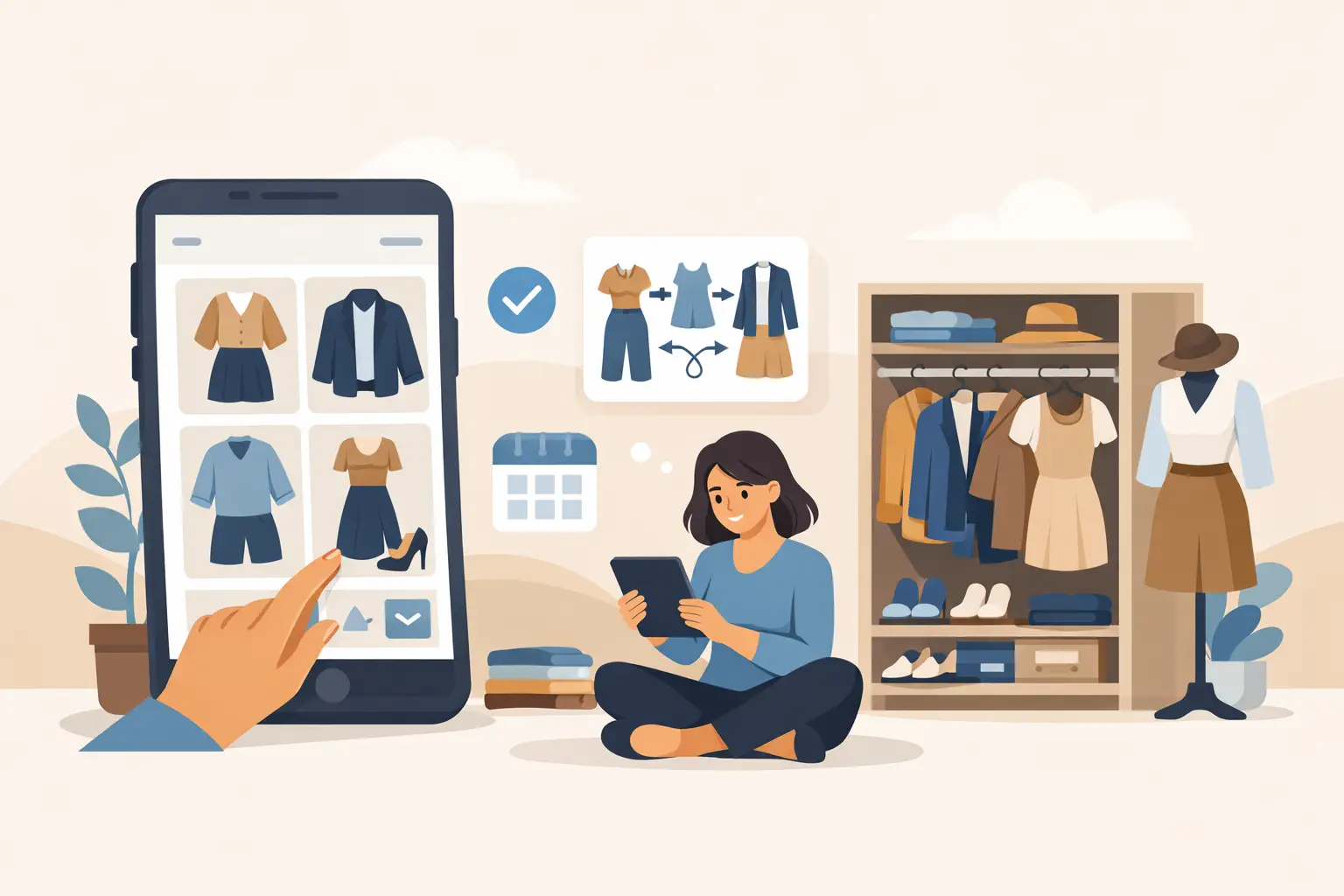
You know the feeling - your wardrobe app starts out clean, useful, and actually fun. Then a few shopping sessions later, it turns into a scroll of random tops, duplicate looks, saved maybes, and outfits you forgot you even made. A good guide to organizing outfits in a wardrobe app fixes that fast. The goal is simple: less time hunting for looks, more confidence when getting dressed or deciding what to buy.
If your app includes virtual try-on, saved looks, and style recommendations, staying organized matters even more. The better your outfit library is structured, the easier it is to compare options, test new pieces, and avoid buying something that only works with one pair of pants. This is not about making your closet look perfect on a screen. It is about making your wardrobe app work like a fast, personal decision tool.
Why outfit organization matters more than most people think
Most people assume wardrobe organization is just a nice extra. In practice, it changes how well the app performs for you day to day. When outfits are grouped clearly, tagged correctly, and easy to revisit, you can make quicker choices before work, before class, or before clicking buy on a new item.
It also helps you spot gaps and duplicates. If you keep saving nearly identical black blazer outfits, that tells you something. If you cannot build enough looks around a pair of shoes you were about to order, that tells you something too. Organization turns style from guesswork into a clearer visual system.
There is also a shopping advantage. A wardrobe app is strongest when it connects what you own, what you are considering, and what actually suits your body and routine. Organized outfits make that connection much easier. You are not just saving clothes. You are building evidence for better decisions.
The best guide to organizing outfits in a wardrobe app starts with categories
Before you create more outfits, clean up the structure. Most clutter happens because people save looks first and organize later. That usually means later never comes.
Start with broad categories that match how you actually get dressed. Occasion is usually the easiest anchor. Work, casual, going out, travel, gym, event, and seasonal are common starting points. If your life runs on a stricter schedule, your categories might look different. Maybe you need hybrid office, coffee meetings, date night, and weekend errands. The right system is the one you will keep using.
Then add a second layer. This is where a wardrobe app becomes much more useful than a mental closet. You can group outfits by weather, color palette, or how they feel on your body. Some users prefer practical labels like cold weather and easy layers. Others prefer outcome-based labels like polished, comfortable, or confident. Both approaches work.
The trade-off is complexity. More tags give you better filtering, but too many create friction. If you need five taps to save one outfit, your system is too heavy. Keep your top-level categories clear, then use only the tags you will search later.
Build around real use cases, not idealized style goals
A common mistake is organizing for the life you wish you had instead of the one you live now. If 70 percent of your week is remote work and quick errands, your wardrobe app should reflect that. Save and label outfits you will actually wear, not just aspirational looks for rare events.
That does not mean you should ignore inspiration. It means inspiration should have its own lane. Create a category for ideas, future purchases, or looks to test later. That way your everyday outfit library stays practical, while your experimental side still has room.
How to organize outfits in a wardrobe app without overthinking it
The fastest setup is usually the best one. Once your categories are in place, move through your saved outfits in short sessions. Do not try to rebuild everything in one night.
Start by deleting obvious clutter. Remove duplicates, blurry try-ons, outfit versions that are nearly identical, and old experiments that no longer reflect your style or size. A lean wardrobe app is easier to use and gives better signal when you are comparing looks.
Next, rename or relabel outfits in a way that is instantly useful. Names like Outfit 12 or Blue Top Test are not helpful two weeks later. Use labels that tell you why the look matters. Think office presentation, weekend denim, dinner in cold weather, or white sneakers travel outfit. Clear labeling speeds up every future search.
Then pin or favorite your most reliable outfits. These are your repeat winners - the looks that fit well, photograph well, and work with minimal effort. Your wardrobe app should make these easy to reach, especially on busy mornings when you do not want to experiment.
Keep a short list of decision-ready outfits
Not every saved look deserves equal visibility. Some outfits are there for reference. Others are ready to wear now. Separate those two groups.
Your decision-ready section should hold looks that are complete, seasonally relevant, and built from items you actually own or are very likely to buy. This matters if you use virtual try-on because the app can help you test combinations quickly, but your library still needs a clean final layer. You want to know which looks are approved, not just possible.
Use wardrobe app features the smart way
A lot of users underuse the very features that make organization easier. Filters, folders, recommendations, and saved try-ons are not just nice extras. They reduce repeat effort.
If your app supports outfit saving after virtual try-on, use that as your checkpoint. Save only the versions that pass a real test: fit, proportion, versatility, and how confident you feel in them. If something looks interesting but not convincing, keep it in a testing or maybe folder instead of mixing it into your core wardrobe.
This is where an app like Prova has an edge. When you can see realistic styling on your own body in about 10 seconds, you can organize around proof instead of imagination. That makes your saved outfits more valuable because they are tied to visual certainty, not just product photos. It also helps reduce one of the biggest causes of wardrobe clutter - buying pieces that seemed promising but never worked in real life.
Privacy matters here too. If you are using a wardrobe app regularly, especially for try-on, trust is part of the experience. Strong security and automatic photo deletion remove hesitation, which makes it easier to keep using the app consistently. Consistency is what turns organization into a real advantage.
Create a system for new purchases and outfit ideas
The best wardrobe apps stay organized because new items enter the system in a controlled way. Without that, clutter comes right back.
When you are considering a purchase, avoid dropping it directly into your main wardrobe. First, test it against at least three existing outfits or create three new ones around it. If you cannot build enough looks, the item may not be as useful as it first seemed. This is one of the fastest ways to cut down on regret buys.
For outfit ideas, keep a separate section for experiments. Use it for trend tests, color combinations, styling challenges, or event-specific plans. The key is to review that section regularly. If an idea still feels strong after a week or two, promote it into your main library. If not, delete it. A wardrobe app should reward clarity, not hoarding.
Review your wardrobe app like a real closet
Digital wardrobes need maintenance too. A quick weekly review is usually enough. Archive off-season outfits, update labels, and remove looks that no longer fit your style, schedule, or body.
A monthly review can go one step further. Look for patterns. Which outfits do you save repeatedly? Which categories are overloaded? Which pieces show up across your best looks? That information is useful for shopping, packing, and even getting dressed faster because it tells you what is actually working.
What a well-organized wardrobe app should help you do
At its best, your wardrobe app should help you answer everyday questions quickly. What can I wear tomorrow? Does this jacket work with what I own? Which outfit should I save for that event? Do I really need another pair of black boots?
If it cannot answer those questions fast, the issue is usually not the app. It is the system. A better structure gives you better output.
That is the real value of a guide to organizing outfits in a wardrobe app. You are not organizing for the sake of neatness. You are building a faster way to dress, shop, compare, and feel sure before you spend. Keep it simple, keep it current, and let your saved outfits earn their place. The best wardrobe app is the one that helps you make a decision in seconds, not the one with the most saved looks.