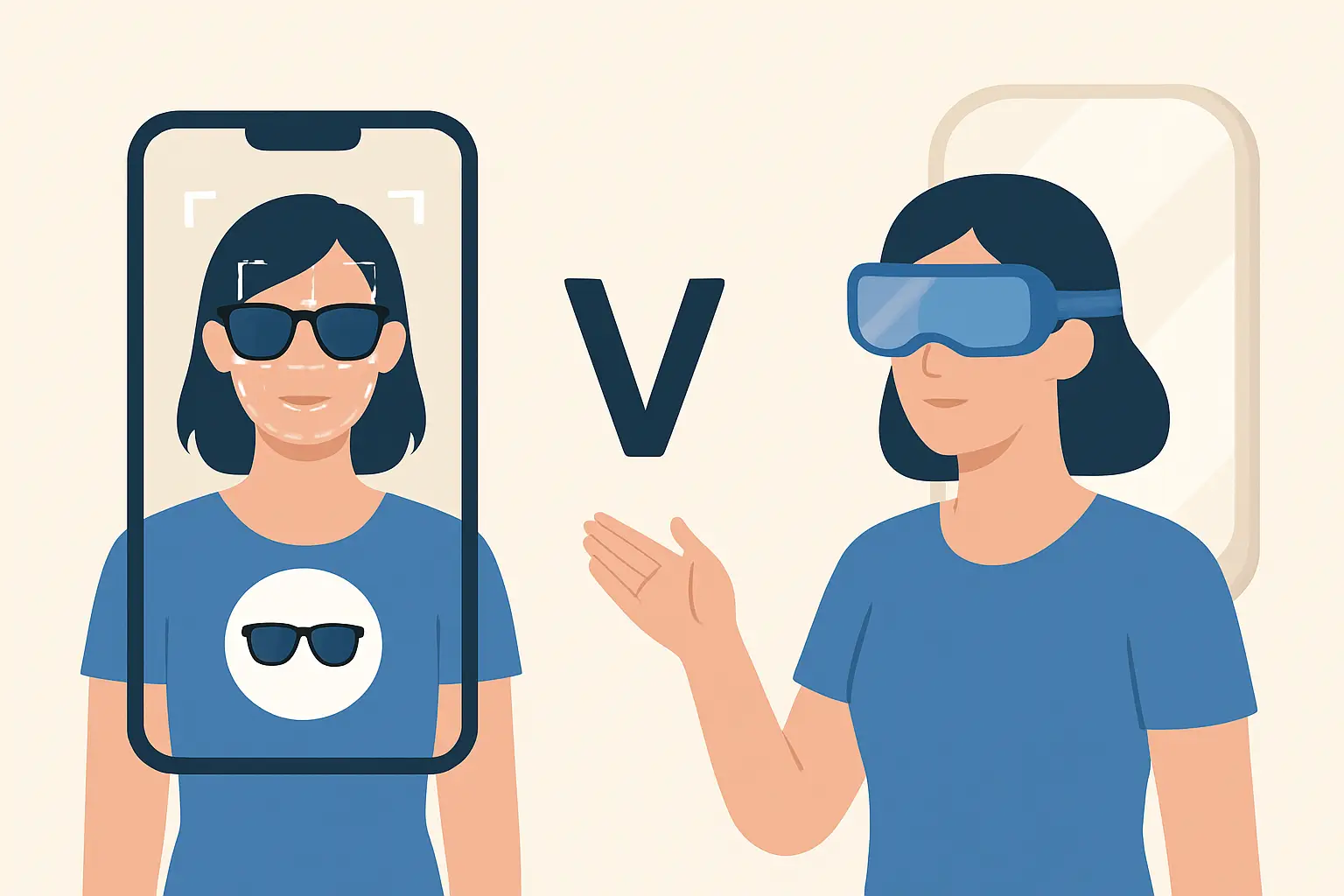
You know the moment: you find a jacket you love, pick your size, and still hesitate because the model is six inches taller, styled differently, and definitely not built like you. The tech world has two big answers for that hesitation - AI try-on and augmented reality. They can look similar on your screen, but they’re built for different jobs.
If you’re choosing a virtual fitting room experience (or just trying to figure out what a brand is actually offering), here’s the clear breakdown of ai try on vs augmented reality, with the real trade-offs that affect fit confidence, speed, and how much you trust what you’re seeing.
AI try on vs augmented reality: the real difference
Augmented reality (AR) is about placing digital objects into your live camera view. Your phone camera is “the world,” and AR overlays something on top of it in real time.
AI try-on is about transforming an image of you (usually a photo) into a realistic preview of you wearing specific clothing. Instead of pinning a flat graphic onto your body, AI attempts to simulate how fabric would sit, drape, and align with your shape.
Both can help you shop with more confidence. But if your goal is “Do these jeans actually work on me?” AI try-on tends to aim closer to that problem. If your goal is “How does this look in motion right now?” AR usually gets there faster.
How augmented reality try-on works (and where it’s strong)
AR try-on typically tracks key points (your face, hands, torso) and anchors an item to that position. That’s why AR has been popular for accessories: sunglasses, hats, jewelry, lipstick, hair color, even sneakers in some experiences.
When AR is done well, it feels instant. You open the camera, move your head, and the sunglasses stick to your face. That real-time feedback is satisfying - and it’s great for quick “vibe checks.”
AR is also strong for shared, in-the-moment shopping. You can pan around, change lighting, and show a friend what you’re seeing without much setup.
But AR has a ceiling when you get into full outfits. Clothing is soft. It folds, stretches, and behaves differently at the waist than it does at the shoulder. Most AR overlays are still approximations. They can look convincing from one angle, then drift, clip, or flatten as you move.
How AI virtual try-on works (and what it’s trying to solve)
AI try-on starts from a different premise: you don’t need a live overlay as much as you need a believable result. The system analyzes your body in a photo and maps the garment onto you in a way that aims to respect proportions, placement, and styling.
That’s why AI try-on often feels more like a “virtual fitting room” than a camera filter. You upload a full-body photo, pick items, and get an output image designed to look like a real outfit photo.
The payoff is clarity. A strong AI try-on doesn’t just show “shirt on person.” It can show how a cropped jacket changes your silhouette, how a dress hits on your leg, and whether wide-leg pants look balanced with your top.
The trade-off is that AI processing takes a moment. You’re asking a model to generate a realistic composite, not just track an object on a face. The best experiences keep that wait short enough to feel effortless.
Accuracy: what “realistic” actually means
When shoppers say “accurate,” they usually mean three different things:
First is placement accuracy. Is the neckline where it should be? Do sleeves start at your shoulder, or do they float? AR can be great for face-based items, but for full-body looks it can struggle when your body turns or your arms cross.
Second is proportion accuracy. Does the garment scale correctly to your body? Some AR experiences scale based on rough body tracking, but they can still look like a sticker. AI try-on is generally designed to preserve proportion in a more photographic way.
Third is fabric behavior. This is the hardest. Neither approach perfectly predicts how a specific fabric will wrinkle after a day of wear. But AI try-on is usually the one attempting to approximate drape and layering in a single realistic image, which is why it often feels more “believable” for apparel.
It depends on the item. For sunglasses, AR often wins. For a full outfit, AI try-on is usually the more relevant bet.
Speed and friction: live camera vs photo-based workflows
AR is fast because it’s lightweight. If your phone can run a camera filter, it can run basic AR try-on. There’s almost no setup - which is exactly why it’s popular in social apps.
AI try-on asks for one key thing: a good full-body photo. That’s a small hurdle, but it can also be a feature. A clear photo gives you consistent results across different items, and you can compare outfits without changing lighting or camera angles.
In practice, the best AI try-on experiences feel like this: pick a photo once, try multiple looks quickly, save your favorites, and share when you want a second opinion.
Privacy: what’s happening to your images
Any virtual try-on that uses a camera or photo should make you ask one question: where do my images go?
AR can run more locally on-device, especially for face filters. That can be great for privacy if the app truly keeps processing on your phone. But plenty of AR experiences still send data to servers for analytics, improvements, or cloud rendering.
AI try-on often uses cloud processing because generating realistic outputs can be computationally heavy. That’s not automatically bad - it just means the app’s security posture matters. Look for encrypted connections, clear retention policies, and automatic deletion rather than vague promises.
If an app can’t explain what happens to your photo in plain language, treat that as a signal.
Which is better for reducing returns
Returns usually happen for two reasons: the item looks different than expected, or it fits differently than expected.
AR can help with the first reason for certain categories. A lipstick shade or frame shape is a visual decision, and AR can reduce the “this looked different online” problem.
For apparel, return reduction is more tied to silhouette and styling on your body. That’s where AI try-on tends to help more. When you can preview how a coat length hits on you, or whether a skirt shape works with your hips, you make fewer “maybe” purchases. You buy what you already like on you.
It still won’t replace size charts, fabric details, or real reviews. But it can cut the guesswork down to something manageable.
The social factor: experimentation vs decision-making
AR try-on is built for play. It’s immediate and interactive, which makes it perfect for quick experiments and social sharing in the moment.
AI try-on is built for decisions. It’s the tool you use when you’re narrowing down options, comparing outfits side by side, and trying to avoid ordering three sizes just to see what lands.
The best shopping behavior often uses both: AR for quick inspiration and AI try-on for the final call.
When AR is the smarter choice
Choose an AR experience when the item is rigid or anchored to a stable body area. Face-based accessories are the obvious example. Also, if you care about how something looks while you move your head or change angles in real time, AR gives you that instant feedback.
AR also makes sense when you’re shopping casually and don’t want to upload anything. Open camera, try it, done.
When AI try-on is the smarter choice
Choose AI try-on when you care about full outfits, fit perception, and how pieces work together. If your problem is “Will this look good on my body, not the model’s?” that’s the exact question AI try-on is designed to answer.
It’s also the better choice when you want repeatable comparisons. One consistent photo lets you evaluate ten looks with the same baseline, which is how people actually shop when they’re trying to get it right.
If you like saving options, revisiting them later, and building outfit ideas over time, AI try-on aligns with that workflow.
What to look for in a try-on app that’s actually useful
Ignore buzzwords. Look for outcomes.
You want realistic outputs that don’t blur or warp your body, fast processing that doesn’t turn shopping into a waiting game, and privacy policies that are specific - encrypted in transit, and deleted after processing when possible.
Also look for what happens after the try-on. If the app helps you organize looks, compare them, and keep a personal archive, it becomes more than a novelty. It becomes the place you go before you buy.
One example of this direction is Prova (https://prova.studio), which focuses on full-body AI try-on with results in about 10 seconds, plus encrypted connections, automatic photo deletion, and a built-in wardrobe to save and revisit outfits.
The bottom line on ai try on vs augmented reality
AR is great when you want live, instant overlays and the item doesn’t need fabric realism to be useful. AI try-on is the stronger option when you want a convincing preview of clothing on your actual body and you’re trying to make fewer, smarter purchases.
If you’ve ever abandoned a cart because you couldn’t picture the fit, your next step isn’t more product photos. It’s a try-on experience that makes the decision feel obvious - fast enough to use daily, and trustworthy enough to buy from.