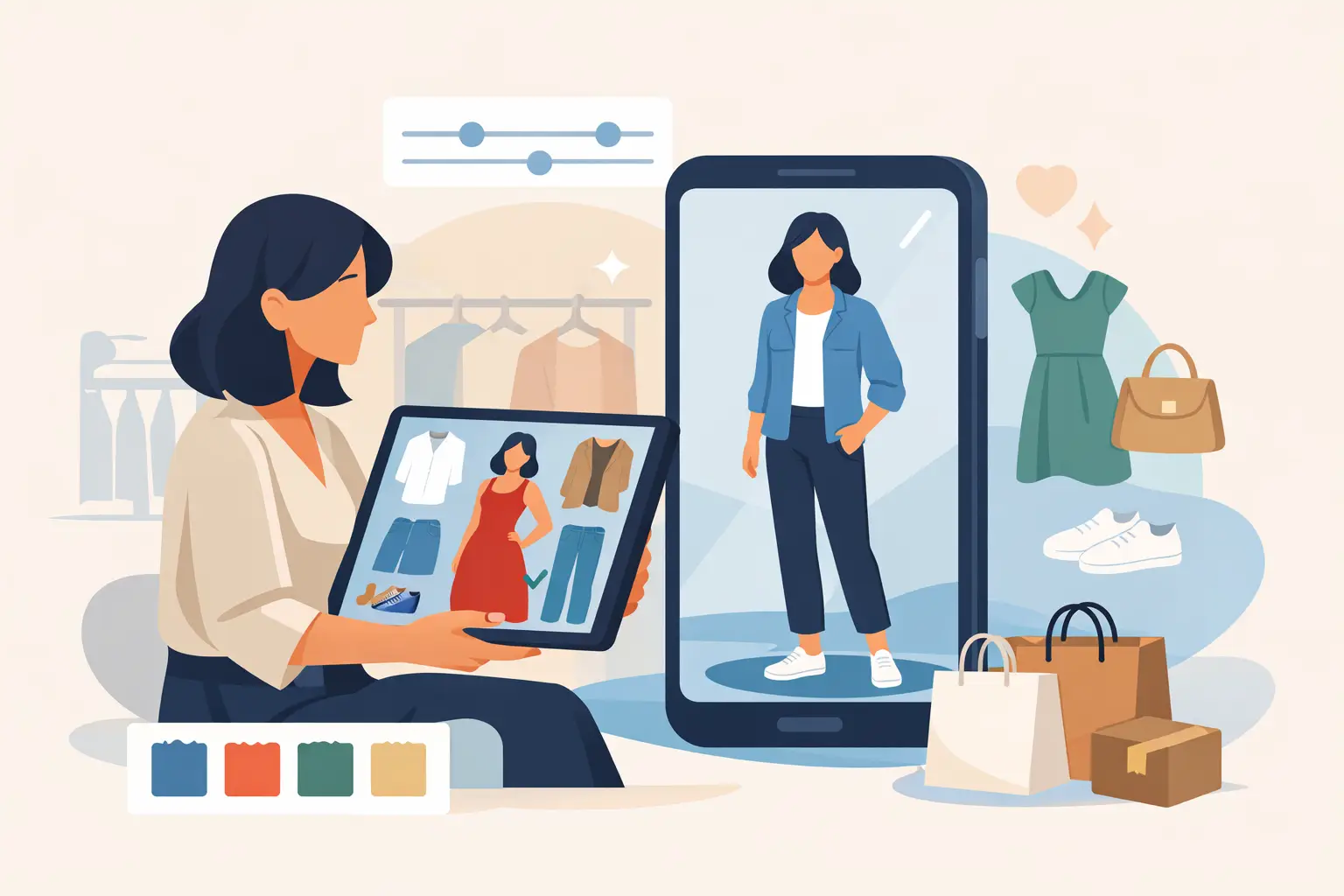
A cart full of maybes usually means one thing - you still do not know how the clothes will look on you. That is exactly why more shoppers want to know how to test outfits digitally before they buy. If you can see a look on your own body in seconds, you stop guessing, make faster decisions, and avoid the familiar cycle of ordering three sizes just to send two back.
Digital outfit testing has moved well beyond novelty. The best tools now use advanced AI to place garments on a full-body photo with realistic proportions, drape, and styling. That matters because the goal is not just to play dress-up on a screen. The goal is to get visual certainty before you spend money.
What it really means to test outfits digitally
At its simplest, digital outfit testing is using an app or virtual try-on tool to preview clothing on an image of yourself. You upload a clear full-body photo, select the item you want to try, and the system generates a styled result that shows how that piece may look on your frame.
For shoppers, the biggest benefit is speed. You can compare a black blazer against a cream one, swap denim cuts, or see whether a dress works with your proportions without stepping into a store or waiting for a package. For anyone who shops online often, that changes the whole buying process.
There is one important nuance here. Digital try-on is not the same as a perfect real-world fit guarantee. Fabric weight, stretch, and exact sizing can still vary by brand. But as a decision tool, it is far better than relying on flat product photos or a model with different proportions than yours.
How to test outfits digitally in a way that actually helps
If you want useful results, the setup matters. A rushed photo in bad lighting will not give you the same confidence as a clean, front-facing image. Most people get the best outcome when they use a full-body photo taken straight on, in good natural or indoor lighting, with minimal background clutter.
Once your photo is ready, choose the item or outfit you want to preview. Start with pieces you are unsure about, not the safe basics you would buy anyway. That is where digital try-on creates the most value. It helps you answer questions like whether a cropped jacket cuts your frame in the right place or whether a wide-leg pant balances your proportions.
Then compare on purpose. Instead of testing ten random items, try two or three versions of the same outfit category. Compare necklines, hem lengths, color options, and overall shape. When you look at controlled variations, your decision gets easier. You are not just asking, "Do I like this?" You are asking, "Which version works best on me?"
A strong virtual try-on app makes this process fast enough to feel useful in real life. If results take too long, most shoppers stop using the tool. If they appear quickly, you can make decisions while browsing, while standing in a store, or while narrowing down a cart before checkout.
What to look for in a digital outfit testing app
Not every virtual try-on tool is built for actual shopping decisions. Some are fun filters. Some are closer to a real fitting room. The difference usually comes down to realism, speed, privacy, and how easy it is to save and compare looks.
Realism is first. If the clothing overlay looks obviously fake, stretched, or detached from your body shape, it will not help you buy with confidence. The better systems use advanced AI technology to create results that feel visually grounded, not gimmicky.
Speed comes next. A tool that delivers a realistic outfit preview in about 10 seconds fits the way people actually shop. You can test more than one option without turning the process into work.
Privacy matters just as much, especially when you are uploading personal photos. Shoppers should look for encrypted processing and automatic photo deletion after the image is used. Convenience is great, but trust is what makes people come back.
The last piece is outfit management. If you test several looks over a week, you need a simple way to save them, revisit them, and compare them later. That is especially useful when you are deciding between event outfits, planning a trip, or building a wardrobe around pieces you already own.
How to judge the result without fooling yourself
The easiest mistake with digital styling is focusing only on whether something is trendy. A better question is whether the item improves your overall silhouette, balance, and versatility.
Start with shape. Does the outfit create clean lines on your frame? Does it make your proportions feel balanced? A piece can be popular and still not be the strongest choice for your body type or styling goals.
Then check color. Digital try-on is especially useful here because you can see whether a shade brightens your face, blends too closely with your skin tone, or clashes with items you already own. That alone can save you from buying clothes that look great on a product page and flat on you.
Next, think about use. If an item only works with one pair of shoes and one specific occasion, it may not earn its place. Testing outfits digitally is not just about seeing what looks good. It is about seeing what you will actually wear.
How to use digital try-on for online shopping
Online shopping is where virtual try-on has the clearest payoff. Product images can show styling inspiration, but they do not answer the personal question every shopper has: what will this look like on me?
When you are browsing online, use digital testing before you buy, not after your cart is already packed. Shortlist a few items, test them on your photo, and remove the ones that do not work visually. This cuts impulse buys and lowers the chance of return regret.
It also helps with categories that usually create hesitation. Dresses, jeans, jackets, and matching sets are common pain points because shape matters so much. Being able to preview them on your own body gives you a stronger read than size charts alone.
If you shop across different brands, digital try-on becomes even more valuable. Brand sizing is inconsistent. One medium can fit like another brand's small. While AI preview does not replace measurements, it adds a layer of visual context that makes those sizing differences easier to assess.
How to test outfits digitally with clothes you already own
This is where digital styling goes from useful to genuinely smart. The best results do not come from treating try-on as a one-off experiment. They come from building a repeatable system around your wardrobe.
If your app lets you save outfits or organize looks, use that feature. Keep versions of your everyday basics, work looks, date-night options, and event outfits. Then when you find a new item you want to buy, you can test whether it works with what is already in your closet.
That changes the decision from "Do I like this jacket?" to "Does this jacket give me three or four outfits I would actually wear?" It is a much better filter. It also helps stop duplicate purchases, like buying another white sneaker or another black top that does the same job as one you own.
For shoppers who like experimenting, this also makes fashion more fun. You can test combinations you would not normally try in a store, compare edge cases, and share favorites with friends before spending anything.
Where digital outfit testing still has limits
A smart shopper should expect accuracy, not magic. Digital preview is strongest for visualizing style, color, proportion, and overall look. It is less precise when it comes to fabric feel, exact garment thickness, or the difference between a structured fit and a stretchy one in motion.
That means you should still use product details, measurements, and common sense. If a fabric wrinkles easily, runs small, or has no stretch, those facts still matter. Digital try-on gives you a strong visual layer, but your best decisions usually come from combining that preview with the product information.
This is also why speed and realism need to work together. A fast result is great, but only if the image is credible enough to guide a real purchase decision.
For shoppers who want a practical way to do this, apps like Prova are designed around that exact use case: upload a full-body photo, see realistic outfit previews in about 10 seconds, save looks, and shop with more confidence while keeping your images encrypted and automatically deleted after processing.
The smartest way to shop is not buying more. It is seeing more clearly before you buy, so every order feels a little less like a gamble.