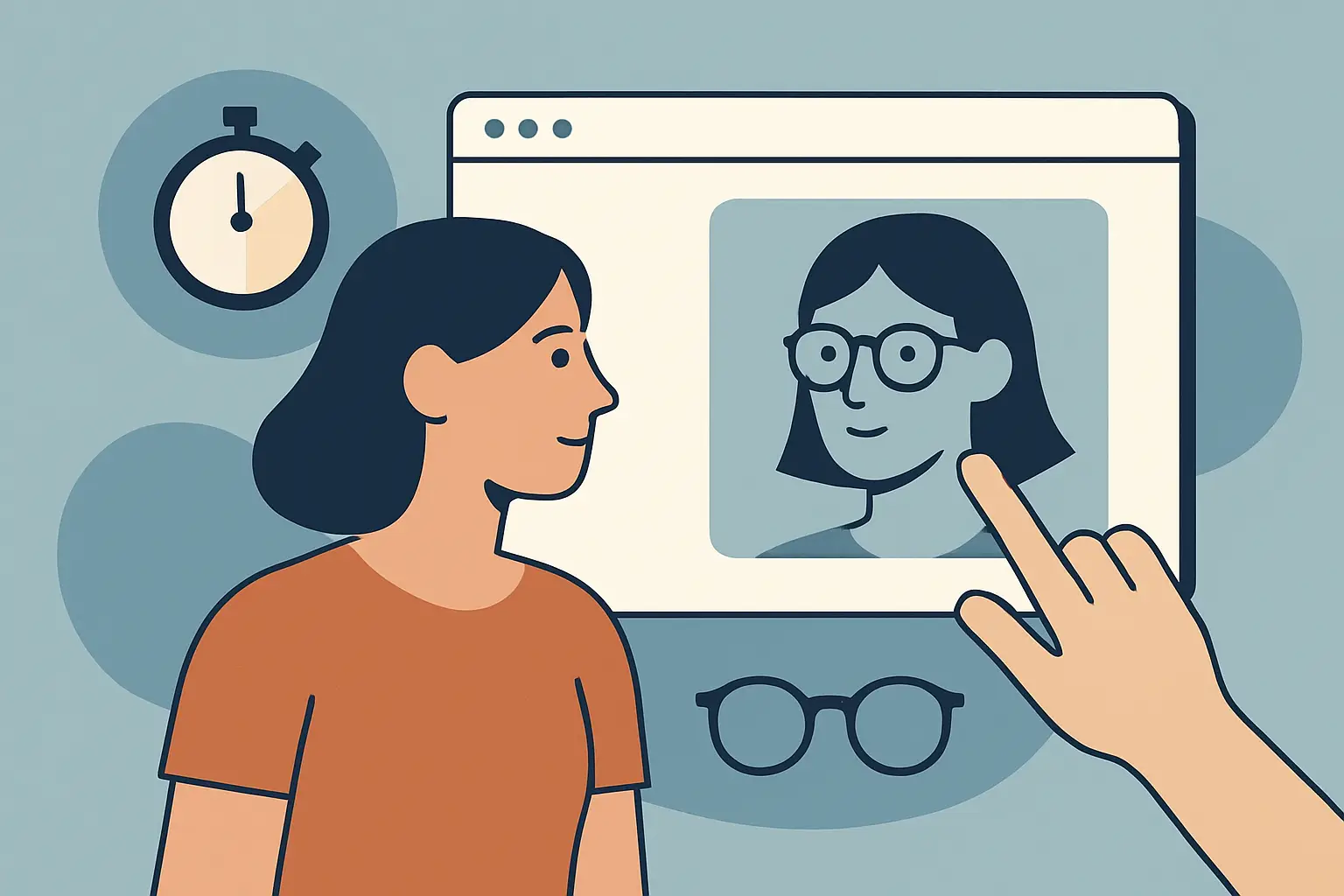
You know the moment: you like the jacket, the model looks great, and the size chart is basically a riddle. You can guess and hope, or you can spend another week dealing with a return. That gap between “looks good online” and “looks right on me” is exactly what virtual try-on is designed to close.
When people search for “prova ai virtual try on,” they’re usually not looking for a futuristic demo. They want one thing - confidence. Does it fit my shoulders? Does that skirt hit mid-thigh or mid-knee on my height? Does the color wash me out? A real virtual fitting room should answer those questions fast, without turning your phone into a complicated scanning project.
What “prova ai virtual try on” really means
At a practical level, “prova ai virtual try on” is about trying clothes on digitally using AI. Instead of imagining the fit, you see an overlay of the garment on your own body photo. The best systems don’t just paste a shirt on top of an image. They adapt placement and drape so the result looks believable enough to make a decision.
There’s a big difference between a novelty filter and a useful try-on. A novelty filter is fun for five minutes but doesn’t reduce returns. A useful try-on gets you to “buy” or “skip” quickly because it shows proportion, silhouette, and how an outfit reads on your body type.
Why virtual try-on matters now (and why it’s replacing guesswork)
Online apparel shopping has always been high-friction: inconsistent sizing between brands, photos that hide how fabric falls, and product pages that assume everyone has the same torso length. That’s why apparel returns are so common. Returns cost time, money, and momentum - and they can kill your excitement about what should be an easy purchase.
Virtual try-on changes the decision from abstract to visual. Instead of asking, “Will this work on me?” you’re asking, “Do I like how this looks on me?” That’s a better question because it’s grounded in your actual proportions.
It also makes outfit experimentation faster. You can test a top with different bottoms, compare colors side-by-side, and explore styles you wouldn’t normally risk buying. The result is less hesitation and more intentional shopping.
How AI virtual try-on works (in plain English)
A modern virtual try-on workflow is typically simple on the surface and complex behind the scenes. You provide a full-body photo, you select a garment image, and the system generates a realistic composite.
The AI is doing a few key jobs at once. It identifies your body shape and pose, understands the garment’s cut, and maps the clothing onto your photo in a way that respects proportion and alignment. Better systems also preserve details that matter for decision-making - like waist placement, neckline depth, sleeve length, and overall silhouette.
Speed matters here. If it takes a minute per try-on, you’ll stop experimenting. If it takes about 10 seconds, you’ll keep going - and you’ll get to a decision faster.
What a good virtual try-on should show (and what it can’t)
Virtual try-on is best at answering visual and proportion questions. It helps you see whether a dress overwhelms your frame, whether wide-leg pants look balanced with a cropped jacket, or whether that oversized blazer reads “intentional” or “borrowed.”
It’s not a perfect substitute for physical feel. No AI can fully replicate fabric texture against skin, exact stretch, or how a garment behaves while walking. The goal isn’t perfection. The goal is reducing uncertainty enough that your buy/skip decision becomes obvious.
A good rule: use virtual try-on to validate shape, length, and styling - then rely on product details and reviews for fabric feel and durability. When you combine both, you cut down the biggest source of returns: “It looked different on me.”
Getting accurate results: the photo that works
The easiest way to get strong try-on output is to start with a clean, full-body photo. You don’t need studio lighting, but you do want clarity.
Stand facing the camera with your full body visible. Choose a photo where your outline is easy to read - not hidden behind a counter, not cropped at the ankles, not blurred in motion. Simple backgrounds help, and fitted clothing in the photo can make your shape easier to interpret.
If you’re trying to decide between two sizes, use virtual try-on to compare silhouettes rather than obsessing over a single pixel-perfect result. The biggest wins come from seeing proportion and styling, not from chasing a millimeter-accurate hemline.
Speed and convenience: why “about 10 seconds” changes behavior
The hidden problem with traditional online shopping isn’t just returns. It’s the mental energy. You open ten tabs, cross-check charts, read conflicting reviews, and still feel unsure.
Fast virtual try-on turns that into a simple loop: try, compare, decide. When the result shows up quickly, you naturally test more options - different colors, different cuts, different pairings. That’s not just fun. It’s how you land on the item you’ll actually wear.
This is also why try-on works for in-store shopping. You can spot something you like, pull up a try-on, and check how it pairs with pieces you already own before heading to the register.
Privacy is not optional for virtual fitting rooms
Virtual try-on is personal by design. You’re using your own photo, and that raises a fair question: where does it go, and what happens to it?
A privacy-first virtual try-on experience should be explicit about protections. Encrypted connections are the baseline. Automatic photo deletion after processing should be standard, not a “nice to have.” The user should feel in control, because if you don’t trust the system, you won’t use it - no matter how good the output looks.
If you’re evaluating any virtual try-on tool, look for clear privacy language and a workflow that doesn’t require you to keep your photos stored indefinitely.
“My Wardrobe” and why saved looks reduce returns
One of the most underrated parts of virtual try-on is what happens after you generate the image. The real value compounds when you can save outfits, revisit them, and compare.
A built-in wardrobe feature turns try-on from a one-off test into a decision system. You can keep a short list of “yes” options, build complete outfits instead of buying isolated items, and avoid impulse purchases that don’t match anything you already own.
It also makes shopping social in a low-effort way. If you’re split between two outfits, you can share the looks and get quick feedback. That’s the modern version of texting a friend from the fitting room, minus the fluorescent lighting.
Style tips and recommendations: helpful when they’re specific
AI styling can be either generic or genuinely useful. Generic advice sounds like a blog comment section: “Try neutral colors.” Useful advice is personal and context-aware: this silhouette balances that shoulder line, this rise works better with that top length, this color reads cleaner with your undertone.
The best recommendation engines don’t try to replace your taste. They help you move faster by suggesting combinations you might overlook and by pointing out when something is likely to feel off.
If you love experimenting, recommendations make the process more playful. If you’re a practical buyer, they save you from buying items that don’t integrate with what you already wear.
Where virtual try-on shines most (it depends on what you’re buying)
Virtual try-on tends to be most valuable for items where silhouette and proportion drive satisfaction. Outerwear is a big one - coats and blazers can look incredible on a model and completely different on a smaller or taller frame. Dresses, wide-leg pants, and anything oversized also benefit because the “vibe” is the deciding factor.
For basics like plain tees, you may use it less - unless you’re debating length, neckline, or whether “relaxed fit” is actually too boxy. For highly technical garments like compression wear, virtual try-on won’t tell you performance feel, but it can still help you see whether the cut and coverage match what you want.
A simple way to use prova ai virtual try on while you shop
Treat virtual try-on like a decision shortcut, not a creative project. Start with the item you’re unsure about, run a quick try-on, then compare it against one alternative. If both are “fine,” you probably don’t love either. If one is obviously better, you just saved yourself a return.
For outfits, work in pairs: top plus bottom, then add a layer. If you’re building a look for an event, save two finalists and revisit them later. Your future self tends to spot what your excited self misses.
If you want a fast, privacy-forward way to do this from a full-body photo, Prova is built for near-instant AI try-on, encrypted processing, and automatic photo deletion, with a “My Wardrobe” flow that keeps your best looks organized.
Closing thought: the best shopping decisions feel calm. When you can see the fit and styling on your body in seconds, you stop negotiating with the size chart and start choosing what actually works.