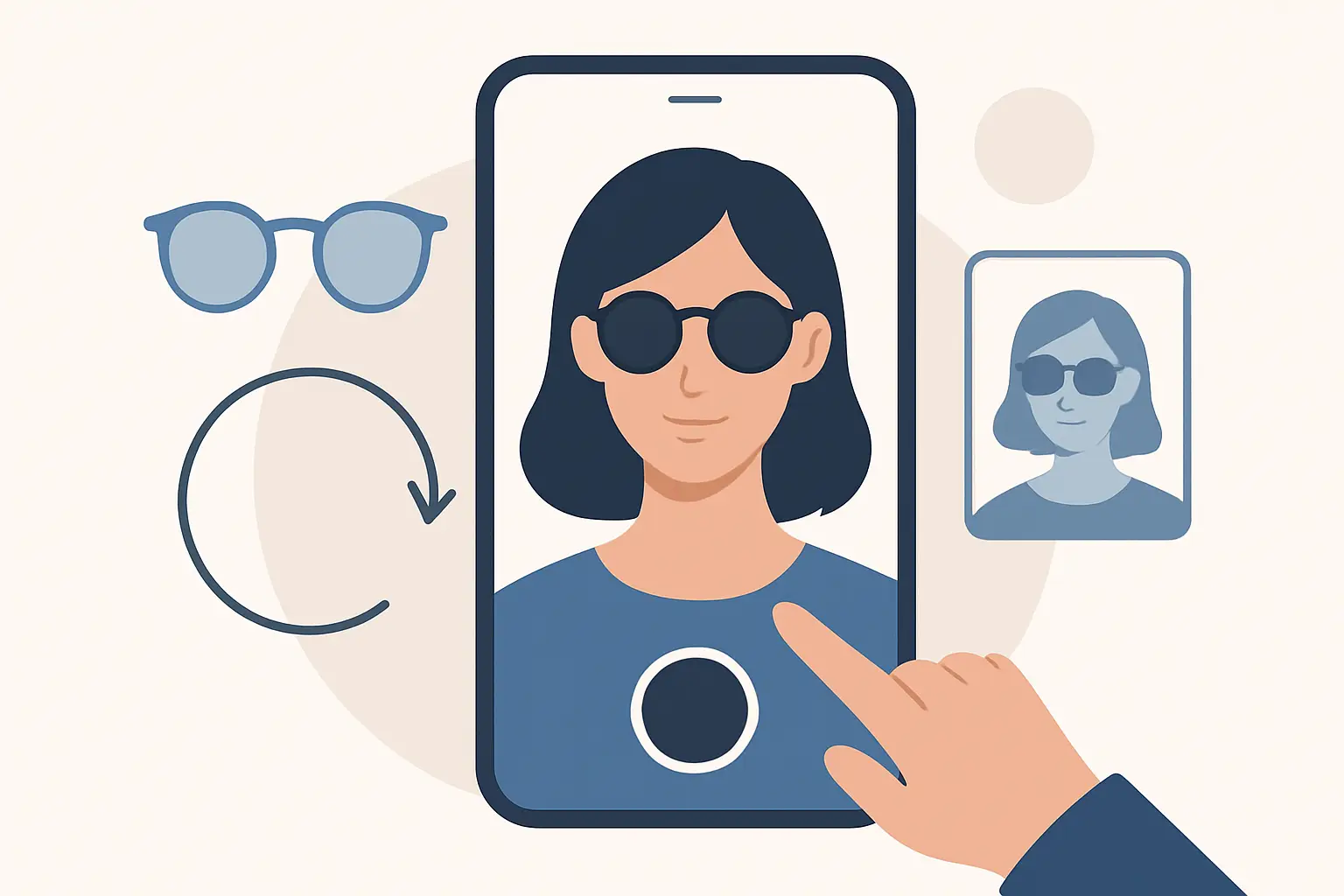
You know that moment: you find the perfect jacket, you’re one tap away from buying, and then your brain goes, “Yeah, but will it actually look good on me?” Virtual try-on exists for that exact hesitation. It turns a static product photo into a personalized preview that looks like you - not a generic model - so you can buy with confidence and stop treating returns like a side hustle.
How does virtual try on work?
At a high level, virtual try-on takes an image of you (usually a full-body photo) and an image of a garment, then uses AI to estimate how that garment would sit, stretch, and drape on your body. The goal is not just to “paste” clothing on top of you. The goal is realism: correct placement at the shoulders and waist, believable sleeve length, and fabric that looks like it’s actually wrapping around your shape.
There are a few ways to build a virtual try-on system, but modern consumer apps usually rely on deep learning models trained on huge datasets of people wearing many different kinds of clothes. That training helps the system understand body geometry, clothing structure, and how fabrics behave across poses and lighting.
In practice, virtual try-on is a pipeline. Each stage is designed to answer one question: Where is the body? What is the garment? How should it deform? How do we blend it so it looks real?
The virtual try-on pipeline, explained like a product (because it is)
Virtual try-on feels like magic when it’s fast, but it’s really a series of precise steps that happen in seconds.
1) The app analyzes your photo
The first job is understanding the person in the image. The system detects your body and pose - head, shoulders, elbows, hips, knees, ankles - and estimates your overall silhouette.
This step matters because clothing fit is mostly geometry. If the app misreads your shoulder line, a blazer will look like it’s sliding off. If it misses your waist position, high-rise pants can drift into the wrong place. Better pose and body detection equals better alignment.
This is also where many apps try to separate you from the background. A clean separation makes it easier to layer the garment realistically without weird edge artifacts.
2) The garment is “understood,” not just uploaded
Next, the system parses the clothing image. It identifies what category it is (top, pants, dress, outerwear) and learns its structure: neckline, sleeves, hem, waistband, and other key landmarks.
If the garment comes from a product photo, the background might be removed and the garment may be normalized so the AI sees it clearly. Some systems also infer fabric cues from the image - is it stiff like denim, soft like knit, or flowing like satin? That inference influences how the garment is rendered on your body.
3) The AI predicts how the garment should warp onto you
This is the core of the realism problem. A believable try-on requires the garment to deform to your pose and proportions. This is not a simple resize. Sleeves rotate with arms, waistlines bend with hips, and fabric folds emerge differently based on motion and body shape.
Most modern try-on experiences use neural networks to generate a “warped” version of the garment that matches your pose. Think of it as the garment being re-tailored in 2D space to fit the person in the photo.
The trade-off: the more realistic the deformation, the more compute the model needs. That’s why speed is a feature, not a bonus. If it takes a minute, people abandon. If it takes about 10 seconds, people experiment.
4) Occlusion: the system decides what should be in front
If you’re wearing your own hair down, it should sit on top of the jacket collar. If your arm crosses your torso, the sleeve should appear partially hidden behind your arm in some poses. This problem is called occlusion - deciding what’s in front and what’s behind.
Occlusion is where “sticker try-on” falls apart. Without it, clothes float on top of everything, and your brain instantly rejects the image as fake.
5) Rendering and blending make it look like one photo
Finally, the system blends the generated garment into your image. This includes matching edges, shadows, and color tone so the garment doesn’t look like it came from a different universe.
This is also where systems try to preserve details that shoppers actually care about: logos, seams, buttons, and texture. If a try-on smears details, it may still be fun, but it’s less useful for purchase decisions.
What makes one virtual try-on look “real” and another look off
Realism is not one feature. It’s a bundle of small wins that add up.
Photo quality and pose matter more than most people think
Virtual try-on works best when your full-body photo is clear, well-lit, and taken straight-on. Extreme angles make body landmarks harder to estimate. Low light and heavy shadows can confuse segmentation. Busy backgrounds can reduce edge quality.
You don’t need studio lighting, but you do want your outline to be readable. If you’ve ever seen a try-on where the hemline looks jagged or the garment “eats” part of the background, that’s usually an input issue plus imperfect segmentation.
The garment image matters too
A clean product image with visible structure (neckline, sleeves, waistband) makes the AI’s job easier. If the garment is photographed crumpled, partially folded, or heavily wrinkled, the model has to guess what’s actually part of the design versus what’s just the photo.
Fabric behavior is hard
Rigid materials behave differently than flowy ones. A leather jacket holds its shape. A silk dress follows the body and wrinkles differently with motion. Virtual try-on systems can approximate these behaviors, but they are still approximations.
This is an “it depends” area. If you’re using try-on to decide between two silhouettes, the tech is extremely helpful. If you’re trying to predict the exact drape of a very thin fabric in a specific lighting condition, you should treat the output as a high-confidence preview, not a physics simulation.
Fit accuracy is not the same as size accuracy
Virtual try-on is great at helping you answer: “Does this style work on me?” It can also help you see relative proportions (cropped vs. full length, high-rise vs. mid-rise).
But sizing is a separate problem. True size prediction requires brand-specific measurements, stretch, pattern grading, and sometimes body measurements. Some apps combine size guidance with try-on, but even then, your best results come from using both: visual confirmation plus a quick check of size charts and reviews.
Why virtual try-on is fast now (and why cloud processing helps)
If you tried early virtual try-on experiences years ago, you might remember slow rendering or toy-like overlays. What changed is the combination of better models and better infrastructure.
Modern apps often run the heavy computation in the cloud. That means your phone doesn’t need to do the hard work locally, and the system can scale processing power based on demand. The user experience becomes simple: upload photo, select garment, get a result quickly.
Speed isn’t just convenience. It changes behavior. When try-on is near-instant, you test more outfits, compare options, and make decisions faster. That’s where the reduction in returns starts - not from perfect prediction, but from fewer “hope purchases.”
Privacy: what should happen to your photo
Virtual try-on requires a personal photo, so privacy needs to be explicit, not implied.
A privacy-forward setup typically includes encrypted connections during upload and processing, limited retention (ideally automatic deletion after processing), and clarity about whether your images are used for training. The details vary by provider, so it’s worth checking.
If you’re the kind of shopper who loves the idea of try-on but hesitates because it feels sensitive, you’re not overthinking it. Your photo is personal data. The best products treat it that way.
Where virtual try-on fits in real shopping decisions
Virtual try-on shines in the exact scenarios that cause abandoned carts.
If you’re switching styles - say, trying wide-leg pants after years of skinny jeans - seeing it on your body breaks the mental friction. If you’re choosing between two similar items, try-on makes the difference obvious. And if you’re shopping quickly, it compresses decision time by replacing guesswork with a visual.
It also works offline. Even if you’re in a store, you can use try-on to sanity-check styling ideas, compare colors, or save looks for later without changing clothes in a fitting room.
What a modern app experience looks like
A strong virtual fitting room experience is simple: upload a full-body photo, pick the clothing you’re curious about, and get a realistic overlay fast enough that you actually keep browsing. The best versions go further by letting you save looks and revisit them later so you’re not repeating the same decisions every time you shop.
That’s the idea behind Prova: fast cloud processing that delivers results in about 10 seconds, privacy protections like encrypted connections and automatic photo deletion, plus “My Wardrobe” to save outfits and come back when you’re deciding what to buy or what to wear.
The honest limitations (so you know what to trust)
Virtual try-on is incredibly useful, and it’s also not magic. Here’s what to keep in mind while you use it.
First, it’s best at outer appearance: silhouette, styling, proportion, and general fit. It’s less definitive on micro-details like exact sleeve tightness at the bicep or how a specific knit will cling in motion.
Second, lighting and color can vary. If your photo is warm indoor lighting and the product photo is cool studio lighting, the blend can shift tones. You should treat color as directional unless the app offers strong color normalization.
Third, layering can be tricky. Try-on systems can handle many scenarios, but a long coat over a chunky scarf over a hoodie is a harder compositing problem than a single top. If you’re building complex layered outfits, expect occasional edge cases.
The upside: even with these limitations, the decision value is high. Most returns aren’t caused by one-millimeter inaccuracies. They’re caused by “this isn’t me” moments that you only discover after unboxing. Virtual try-on helps you catch those moments before you buy.
If you want the best results, treat virtual try-on like a fast visual checkpoint. Use it to narrow choices, confirm silhouettes, and build outfits you actually want to wear. When the tech gets you to “yes” faster, shopping stops being a gamble and starts feeling like control.